 ezsite.ai
ezsite.ai › Blog › How to Build a Conversational AI Voice agent with GPT Real Time Voice API in 2025
← All articlesHow to Build a Conversational AI Voice agent with GPT Real Time Voice API in 2025
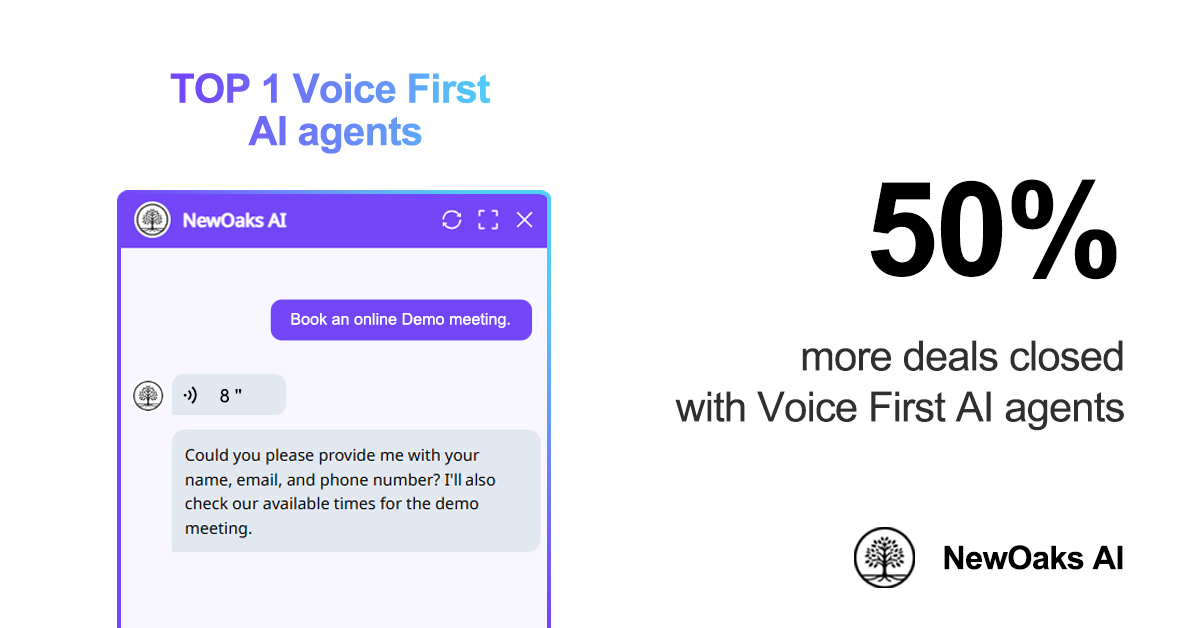
I use the GPT Real Time API to build my own AI Voice Agent with NewOaks AI. The real-time voice feature sounds natural and keeps my data secure using preset voices. My setup involves Python and the TEN framework, and I connect my microphone directly to my computer. Today, many people are adopting these AI Voice Agents.
Statistic
Value
Global voice assistants in use
U.S. user base
153.5 million in 2025
Regular use of voice assistants by U.S. adults
62%
Smart speaker ownership in the U.S.
100 million
Americans using smart speakers for shopping
38.8 million
U.S. adults making purchases via voice assistants
8%
With NewOaks AI, I follow simple steps for speech recognition, text-to-speech, and conversation logic, all powered by the GPT Real Time API to create a seamless AI Voice Agent experience.
Key Takeaways
- Study Python and try using APIs. This helps you link your code to the GPT Real Time Voice API. It is important for making a good voice agent. - Pick preset voices to make your AI voice agent sound more real. Make sure you keep data safe and private. - Try out your AI voice agent with real people. This helps you find problems and make it better before you release it.
Prerequisites and Setup
Skills and Tools
Before I build my AI voice agent, I check what I need. I learn Python so I can write code for my project. I practice using APIs to connect my code to the GPT Real Time Voice API. I study speech recognition to turn talking into text. I use text-to-speech tools so my agent can talk back. I learn about dialogue management and state management. These help my agent remember things and answer well. I try out SpeechRecognition to change speech into text. I use pyttsx3 to make my agent speak.
I also look at frameworks that help me build voice agents. Here is a table I use to compare them:
Framework
Features
Vapi
Customizable, supports many voice providers, easy conversation flow blocks.
Retell AI
Fast responses, works with OpenAI’s GPT-4o, supports OpenAI Realtime API.
LiveKit
Great for real-time chat, manages speech recognition and text-to-speech, works with phone systems.
Project Setup
I get my hardware and software ready before I start. I use a good microphone and a computer that can run my programs. I set up Azure AI Foundry and the TEN framework to help with my project.
When I pick voices for my agent, I always use preset voices. This keeps my data safe. For example, preset voices protect patient data in hospitals. In hotels, guests use voice controls and stay private. Many edge voice assistants keep data on the device, so my talks are safe.
Tip: Preset voices make my agent sound real and keep my info safe from hackers.
I make sure my setup can do speech recognition at every step. This way, my agent can listen, understand, and answer me right away.
Building a Conversational AI Voice Agent
Integrate GPT Real Time API
When I build an AI voice agent, I start with the GPT Real Time API. This step is very important for my project. I want my agent to answer fast and talk with me in real time. Here is how I set up the GPT Real Time API for my agent:
- I copy the ChatGPT Realtime Audio API SDK by running:
git clone https://github.com/Azure-Samples/aoai-realtime-audio-sdk.git
- I go to the javascript/samples/web folder and run a script to get packages.
- I install the needed files by typing:
npm install
- I start the web server with:
npm run dev
- For Python, I add the right libraries:
pip install openai SpeechRecognition
- I make a virtual environment to keep my files neat:
python -m venv venv
source venv/bin/activate # Linux/Mac
venv\Scripts\activate # Windows
- I make a .env file to keep my API keys safe:
OPENAI_API_KEY=your_api_key_here
I use the python-dotenv library to load these keys.
I check that my computer can use WebSocket for real-time audio. I get my API key from OpenAI and put it in my .env file. This setup lets my agent use OpenAI Realtime API for fast talking.
Tip: I use ngrok to test my app live. I sign up, download it, log in, and start a tunnel to share my app.
Here is a table to explain OpenAI Realtime API:
Speech Recognition
Feature/Aspect
OpenAI Realtime API
Model Pipeline
Single-model pipeline
Latency
Functionality
Function calling, image input, SIP support
Use Cases
Creative content, voice cloning, TTS
Integration
Needs chaining for full interactivity
Performance
Developer-friendly TTS and voice tools
My AI voice agent needs to understand what I say. I use engines like Speechmatics, Deepgram, or OpenAI’s Whisper for this. These tools help my agent hear me and answer fast.
Here is how I make speech recognition work better:
- I use natural language understanding for real conversations.
- I use smart prompts to send calls to the right place.
- I connect my agent to knowledge bases for answers.
- I let my agent send hard questions to a real person.
- I set up AI guardrails to keep my data safe.
- I make sure my agent can speak many languages.
- I link my agent to contact center systems.
- I check feedback and data to make my AI better.
Note: Fast speech-to-text is important. I try to get answers in less than 500ms for smooth talking.
Speech-to-Speech
I want my AI voice agent to sound friendly and real. I pick speech-to-speech engines from GPT Realtime API with good voices and many languages.
Conversation Logic
Conversation logic makes my AI voice agent smart. I use large language models to help my agent talk and answer. My agent listens, thinks, and talks back using AI models and function calling.
Here is how I keep my conversation logic fast and easy:
- I use streaming to process audio as I talk.
- I set up endpointing to know when I stop talking.
- I focus on low latency and fast answers.
- I use prompt engineering for short, clear replies.
- I stream answers so I do not wait long.
- I save common answers for quick replies.
- I manage audio streaming to handle network changes.
Tip: I always test my agent’s talking to make sure it feels real and quick.
Testing and Troubleshooting
Testing is important when I build an AI phone agent. I look for problems like:
- AI giving wrong or strange answers
- Trouble understanding my words
- Slow answers that hurt real-time talking
- Problems with accents or different ways of speaking
To fix slow answers, I:
- Make prompts short and simple
- Use a rolling window for talking
- Stream speech-to-text for less waiting
- Test my system to find slow spots
- I check turn detection to stop delays.
- I test my agent with different networks.
- I pick models that are fast, not just fancy.
Note: With the right setup, my AI voice agent can answer in under 500ms. This makes real-time talking possible.
Deployment with Newoaks AI
When I am ready to launch, I use Newoaks AI, the TEN framework, Twilio Voice, and Azure AI Foundry. These tools help me put my AI voice agent out for many people to use.
Feature
Description
Real-time multimodal interaction
My agent can see, hear, and talk in real time for a better experience.
Vendor-neutral AI integration
I use different LLMs and speech tools for more choices.
Ultra-low latency communication
Agora’s SD-RTN gives me fast, real-time answers.
Scalability
Agora’s platform helps me grow my AI phone agents easily.
Twilio Voice helps my agent handle hard talks, sum up calls, and spot when users are upset. Its APIs make it easy to add smart AI features.
For Azure AI Foundry, I:
- Set up my environment with the right settings.
- Use the RealtimeAPI class for real-time audio.
- Test everything on my computer before going live.
Tip: I always test my agent with real users to make sure it works well and gives a great experience.
Making my AI voice agent with the GPT Real Time API was not easy, but it was worth it. The real-time voice helps the agent talk like a real person. I make sure my agent is safe and try to find new features. I look for things like talking in more languages or sending calls to the right place.
I think you should try adding more tools and keep your agent fresh for the best results.
FAQ
How do I keep my AI voice agent safe?
I always use preset voices. This helps protect my data. I never share my API keys. I test for security often.
Tip: Preset voices help stop hackers from stealing my info.
Can I use my AI voice agent on my phone?
Yes, I can run my agent on my phone. I use Twilio Voice or similar tools. I test the app before sharing it.
What if my agent does not understand me?
I check my microphone. I use clear speech. I update my speech recognition engine. I ask for help if problems continue.
- I try different engines like Whisper or Deepgram.
- I adjust my settings for better results.
See Also
Creating an Adorable AI Tool for 2025 Success
Becoming Proficient with Full Stack AI Code Tools
Developing an App Using a Charming AI Builder