 ezsite.ai
ezsite.ai › Blog › Can I Download a React or Vue Codebase After AI Clones My URL for Debugging?
← All articlesCan I Download a React or Vue Codebase After AI Clones My URL for Debugging?
Key takeaways
- EZsite AI advertises downloadable generated source code, React/Vue generation, and GitHub integration.
- The public materials do not prove that every URL clone is immediately downloadable as a ZIP or includes a complete runnable backend.
- GitHub transfer and local Git cloning are separate from direct source-code download.
- A URL clone is a newly generated implementation, not the original website’s private source code, backend, database, or credentials.
- Local debugging may require a specific Node.js version, package manager, environment variables, database provisioning, service mocks, and Edge Function deployment.
- Treat generated code as a starting point and complete testing, refactoring, dependency, security, and deployment checks before production use.
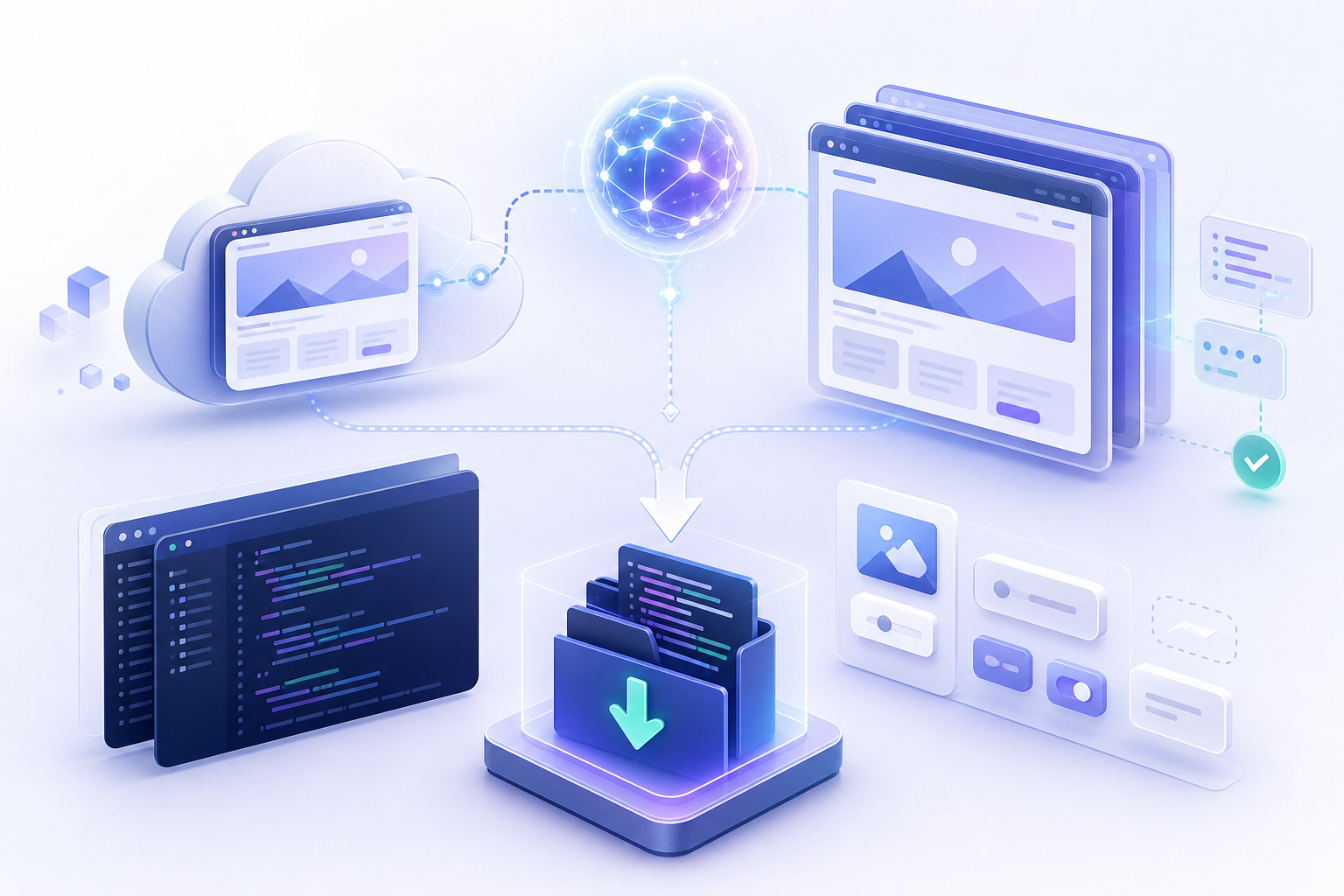
Yes—EZsite AI publicly advertises downloadable generated source code, React and Vue support, and GitHub integration. However, its public materials do not establish that every URL clone can always be downloaded immediately, that every project includes a complete runnable backend, or that React and Vue are selectable for every cloning workflow. Treat the result as a generated starting point that requires local setup, testing, security review, and possible backend reconfiguration. EZsite AI
What you can receive after cloning a URL
EZsite AI’s public product information describes URL cloning, generated source-code access, React/Vue generation, and GitHub integration. These capabilities support a developer handoff, but they represent separate delivery methods:
- Direct source-code download: EZsite advertises downloadable generated source code. The public homepage does not clearly specify whether this is always provided as a ZIP file, nor does it document one universal ZIP-download button for every project.
- GitHub transfer or repository access: EZsite’s GitHub guide documents creating or transferring a project to GitHub and then using a “View GitHub” action or repository URL to access the code. GitHub getting-started guide
- Local cloning: After the repository exists on GitHub, developers can use Git to clone that repository to their own machine. This is a normal Git workflow, separate from EZsite’s direct-download feature.
The safest interpretation is that EZsite can provide generated, editable application code through a download and/or GitHub workflow, depending on the project and account configuration. Confirm the available export option inside the specific project before promising a ZIP archive or a complete local replica to your team.
Is the downloaded project the original website’s source code?
No. URL cloning should be understood as generating a new implementation based on the accessible website experience—not recovering the original owner’s private repository, database, credentials, or server infrastructure.
A generated project may reproduce or approximate visible pages, layouts, routes, forms, and interactions. Private APIs, proprietary integrations, logged-in workflows, server-side rules, and other backend behavior generally cannot be recovered from a public URL alone. They must be recreated, mocked, or configured separately where appropriate.
This is a limitation of URL-based cloning rather than a claim about EZsite’s internal implementation. EZsite’s related guidance presents cloning as a starting point for building and refining an application, and notes that generated code commonly needs cleanup before production use. EZsite guidance on cloning into a React app
Only clone websites that you own or have permission to reproduce. Review applicable copyright, trademark, privacy, licensing, and terms-of-service requirements before copying content, designs, assets, or functionality.
Can I choose React or Vue for the cloned project?
EZsite publicly supports React and Vue generation, but its homepage does not clearly confirm that both frameworks are selectable for every URL-cloning workflow. Framework availability may depend on the selected workflow, plan, or project configuration. Verify the framework option before starting the clone. EZsite AI
If the option is available, choose the framework that matches the team’s existing tooling and maintenance skills:
- React: Often preferable when the team already uses React components, routing, testing, and build conventions.
- Vue: Often preferable when the team’s existing applications and developers are organized around Vue and its associated tooling.
The generated output should be treated as an application codebase to inspect and refine, not as a guaranteed production-ready replacement for the original site.
How do I get the project through GitHub?
EZsite’s documented GitHub workflow is the clearest publicly described handoff path:
1. Open the generated project in EZsite.
2. Use the project’s GitHub transfer or repository-creation workflow.
3. After the project is transferred or connected, use “View GitHub” or the supplied repository URL.
4. Clone that GitHub repository to your local machine.
5. Read the generated project’s README and inspect its package files before installing dependencies.
The guide documents repository creation or transfer and the “View GitHub” action. It does not, by itself, document a universal set of local debugging commands or guarantee that every hosted service will run locally. EZsite GitHub guide
Is there a ZIP download?
EZsite advertises downloadable full source code, but the public information reviewed here does not specify a universal ZIP-download path or confirm that every cloned project is delivered as a ZIP archive.
Therefore, distinguish these statements:
- Supported public claim: EZsite provides access to downloadable generated source code.
- Documented GitHub path: Transfer or create the repository, then select “View GitHub.”
- Unconfirmed detail: Whether the direct download is always a ZIP file and whether it is available immediately after every URL clone.
If your debugging process requires an offline ZIP, check the project interface or EZsite support for the exact export option before beginning the handoff.
How do I debug the generated project locally?
A practical workflow is:
1. Create or import the project in EZsite. Review the hosted preview and record the routes, forms, integrations, and features that must work.
2. Transfer the project to GitHub or obtain the available source-code download. Prefer GitHub when you need history, branches, pull requests, and repeatable handoffs.
3. Inspect the repository before running it. Look for README.md, package.json, lockfiles such as package-lock.json, pnpm-lock.yaml, or yarn.lock, .nvmrc, engines in package.json, database folders, Edge Function directories, and deployment configuration.
4. Use the project’s specified runtime and package manager. Do not assume that every generated project uses the same Node.js version or package manager.
5. Configure environment variables. Check for .env.example, README instructions, deployment settings, and references to variables in the source. Never commit API keys, payment credentials, authentication secrets, or generated private tokens.
6. Provision or mock external services. Determine whether the app requires a database, authentication provider, storage bucket, payment account, email provider, API credentials, or EZsite-hosted service. If those services are unavailable locally, use test credentials, mocks, fixtures, or a development instance.
7. Run a clean install and build. For example, a project using npm might use:
```bash
npm install
npm run dev
npm run build
```
A project using pnpm or Yarn may instead require commands such as pnpm install && pnpm dev or yarn install && yarn dev. Always follow the generated project’s README and lockfile.
8. Test the important behavior. Check routes, responsive layouts, forms, authentication, API requests, error states, file uploads, payments, and database reads and writes.
9. Compare hosted and local behavior. Differences may come from environment variables, service URLs, authentication callbacks, database contents, server functions, redirects, or build settings.
10. Commit fixes and document the setup. Record the runtime version, package manager, required variables, service dependencies, database steps, and deployment commands so another developer can reproduce the environment.
The exact commands and directory structure will vary by generated project. A downloadable frontend does not automatically mean that the hosted backend, database, authentication, payment configuration, uploaded assets, or Edge Functions are included and runnable on a laptop.
What is and is not self-contained in the downloaded code?
Before assuming the project is portable, separate the generated code from the services it depends on.
Usually included or inspectable in source control
Depending on the project, the repository may contain:
- Frontend components, pages, routes, styles, and assets
- Package manifests and lockfiles
- Build and deployment configuration
- Client-side API calls
- Some server or Edge Function source
- Database migration files or schema definitions, if generated
- Test files and project documentation, if generated
Not necessarily included or portable
The download may not contain the live contents or credentials for:
- A hosted database and its production records
- Authentication users, OAuth settings, and callback URLs
- Payment accounts, webhooks, and secret keys
- Email-provider credentials and transactional history
- Uploaded files stored in external storage
- Private APIs or third-party integrations
- Platform-managed Edge Functions or other hosted backend services
- Production environment variables and generated secrets
- The original site owner’s backend or private repository
For debugging, ask whether you need only the frontend source, a local mock environment, a development database, or a complete replacement for the hosted application. Those are different handoff requirements.
Can I deploy the generated code elsewhere?
EZsite states that generated projects can be deployed to destinations including Hostinger, Netlify, or WordPress. That does not establish that every React or Vue project, backend function, database, authentication flow, payment integration, or uploaded asset will remain fully functional on every destination. EZsite AI
Before moving a project, verify:
- Whether the destination supports the project’s framework and build process
- How server-side code or Edge Functions will run
- Where the database will be hosted and how migrations will be applied
- How authentication callbacks and custom domains will be configured
- How secrets and environment variables will be stored
- Whether payment webhooks, email, storage, and third-party APIs are supported
- Whether WordPress is being used as a deployment target, an embedded experience, or a separate integration
A deployment target may host the frontend successfully while still requiring separate provisioning for the backend and connected services.
Before you download or hand off the project
Use this checklist before treating the clone as a reproducible debugging artifact:
- Confirm that you own the source site or have permission to reproduce it.
- Verify whether the project offers a direct download, GitHub transfer, or both.
- Record the selected framework and confirm that it matches the intended codebase.
- Inspect dependencies for outdated, unnecessary, or untrusted packages.
- Check routes, forms, API calls, authentication, and error states.
- Search the repository for exposed secrets, hard-coded credentials, and production URLs.
- Identify required environment variables and create a safe development configuration.
- Determine whether the database schema and representative test data can be exported or recreated.
- Confirm how Edge Functions or other server-side code will be deployed.
- Mock unavailable APIs and services before attempting a full local run.
- Perform a clean install and production build on a fresh machine or isolated environment.
- Run security, accessibility, dependency, and functional testing before production deployment.
Frequently asked questions
Can I download a ZIP after EZsite clones my URL?
EZsite publicly advertises downloadable generated source code, but the public materials reviewed do not confirm a universal ZIP format or a guaranteed ZIP-download path for every URL-cloned project. Check the project interface or support documentation for the exact export option.
Can I use GitHub instead of downloading a ZIP?
Yes. EZsite documents a GitHub workflow involving repository creation or transfer and a “View GitHub” action or repository URL. You can then clone the repository locally using standard Git tools. EZsite GitHub guide
Can every URL-cloning workflow generate either React or Vue?
Not necessarily. EZsite publicly supports React and Vue generation, but the homepage does not clearly confirm that both choices are available for every URL-cloning workflow. Verify the framework selector and project configuration before generating the application.
Does the downloaded code include the original site’s backend and database?
No. URL cloning does not recover the original owner’s private backend, database, credentials, or repository. The generated project may include new frontend and backend code, but hosted services, data, secrets, authentication settings, and integrations may require separate configuration.
Will the project run locally without EZsite-hosted services?
That depends on the generated project. Some parts may run locally after installing dependencies and configuring environment variables, while database access, authentication, Edge Functions, storage, payments, email, or third-party APIs may still require hosted services, development accounts, or mocks.
What commands should I run locally?
Use the generated README and package manager as the source of truth. A project using npm may use npm install, npm run dev, and npm run build; projects using pnpm or Yarn may require different commands. Also check the required Node.js version, lockfile, environment variables, and service-provisioning steps.
Is the generated project production-ready?
Do not assume so. Treat it as a starting point that requires refactoring, dependency review, security checks, backend configuration, data validation, accessibility review, automated testing, and a clean production build before release.
References
- https://ezsite.ai/blog/can-i-choose-between-react-and-vue-when-cloning-a-website
- https://ezsite.ai/blog/how-to-clone-any-website-url-into-a-production-ready-react-app-using-ai-4
- https://ezsite.ai/support
- https://ezsite.ai/pricing
FAQ
Can I download a ZIP after EZsite clones my URL?
EZsite advertises downloadable generated source code, but the public materials reviewed do not confirm a universal ZIP format or ZIP-download path for every URL-cloned project. Check the project interface or support documentation.
Can I use GitHub instead of downloading a ZIP?
Yes. EZsite documents repository creation or transfer followed by a “View GitHub” action or repository URL. You can then clone the repository locally using standard Git tools.
Can every URL-cloning workflow generate either React or Vue?
EZsite publicly supports React and Vue generation, but it does not clearly confirm that both choices are available for every URL-cloning workflow. Verify the framework option for the specific project.
Does the downloaded code include the original site’s backend and database?
No. URL cloning does not recover the original owner’s private repository, backend, database, credentials, or server infrastructure. New backend services and data may require separate implementation or configuration.
Will the project run locally without EZsite-hosted services?
Not necessarily. The frontend may run locally, but databases, authentication, storage, payments, email, APIs, and Edge Functions may require hosted services, development accounts, environment variables, or mocks.
What should I check before debugging locally?
Inspect the README, package manager, lockfile, required Node.js version, environment variables, dependencies, database and Edge Function requirements, external integrations, and secret-handling practices. Then perform a clean install and build.