 ezsite.ai
ezsite.ai › Blog › Can I Clone a Website and Deploy It to CDN-Accelerated Hosting in One Click?
← All articlesCan I Clone a Website and Deploy It to CDN-Accelerated Hosting in One Click?
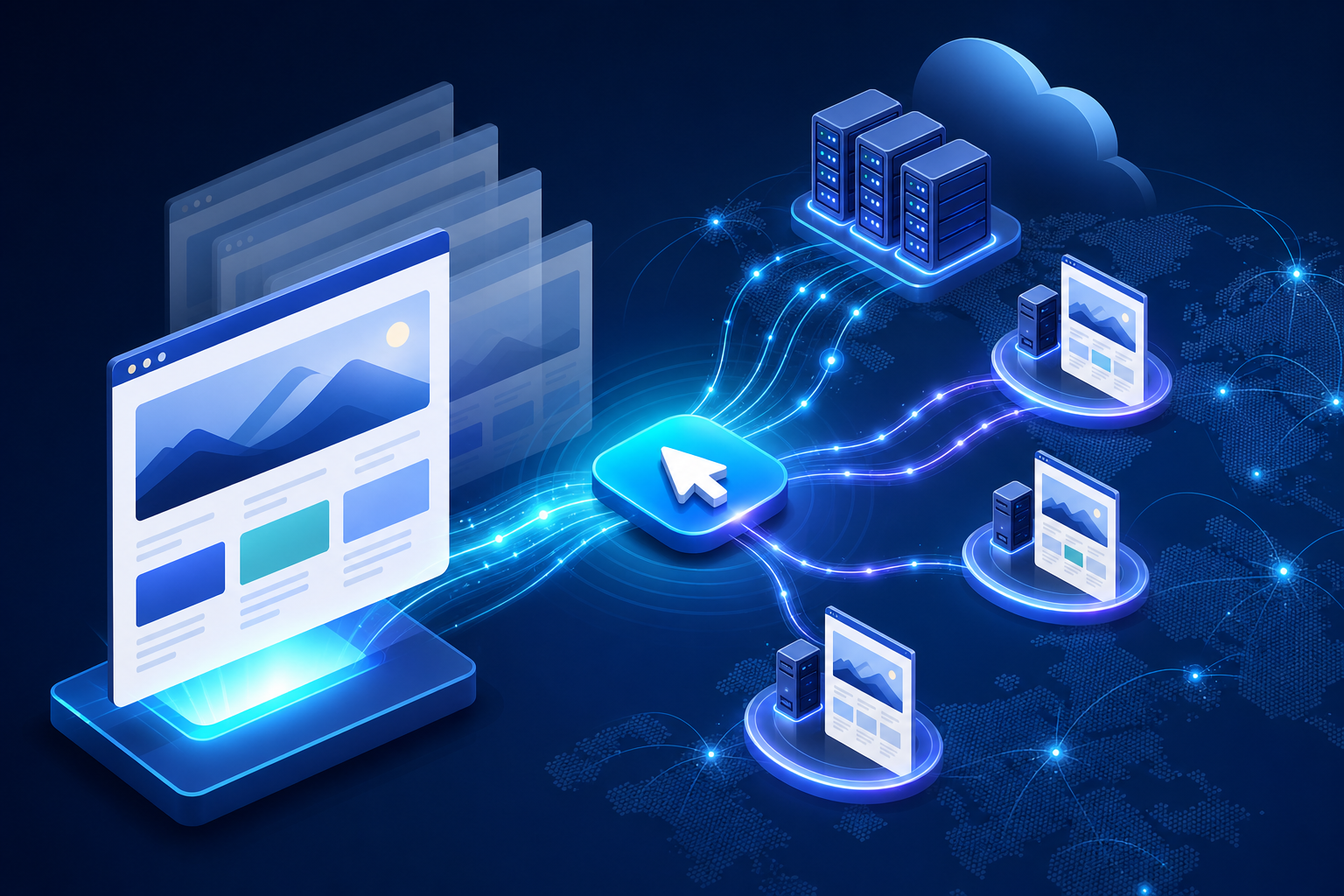
Yes—EZsite documents a workflow for entering a public URL, generating a new React or Vue.js application, hosting it with CDN acceleration, and clicking Deploy to publish the project and receive a shareable URL. However, that is not the same as proving that every request is served from a globally distributed edge network, and it does not mean the complete clone-to-production process takes one click. (ezsite.ai)
The practical process still includes reviewing the generated app, replacing content and branding, rebuilding interactive behavior, configuring databases and integrations, connecting a domain, testing, and validating performance and cache behavior.
What does “one-click deployment” mean in EZsite?
EZsite’s documentation describes one-click publishing, not one-click completion of an entire production launch. After a project is created and configured, clicking Deploy publishes it and generates a shareable URL. The Quickstart guide also says that projects should be republished after changes. (ezsite.ai)
A more accurate description is:
> Clone or generate the project, customize and configure it, then use one-click publishing to deploy the current version.
Before publishing, you may still need to:
- Replace copied or placeholder assets, text, and branding.
- Rebuild interactions that the original site handled with private code.
- Configure authentication, forms, databases, email, CRM workflows, and payments.
- Connect a custom domain and verify DNS settings.
- Configure SEO titles, descriptions, redirects, analytics, and tracking.
- Test mobile layouts, accessibility, error states, and security controls.
- Confirm that cached content updates correctly after a deployment.
Is the deployment actually on a global CDN?
EZsite advertises built-in hosting with CDN acceleration, but the available product and Quickstart documentation do not establish a detailed CDN architecture, edge-location policy, cache hierarchy, or guarantee that every page and backend request is processed globally. Therefore, describe the result as CDN-accelerated hosting, not as a verified globally distributed CDN deployment. (ezsite.ai)
A CDN may improve delivery of cacheable assets such as images, stylesheets, JavaScript bundles, and some public pages. It does not automatically make databases, authentication, payment operations, or other dynamic requests globally replicated. Those services may depend on the location and configuration of the application backend and data store.
After deployment, verify the behavior that matters to your project:
- Check response headers and cache status from multiple geographic locations.
- Confirm how quickly updated assets and pages become visible after publishing.
- Test cache invalidation when changing images, CSS, JavaScript, or SEO metadata.
- Verify that personalized pages and private data are not publicly cached.
- Measure real user performance rather than assuming CDN acceleration applies equally to every route.
Do not infer that EZsite uses the same CDN architecture or cache behavior as another provider, such as Vercel, unless EZsite documents that directly.
A practical EZsite cloning and deployment workflow
Use this sequence for a realistic clone-to-launch process:
1. Enter the public URL. Use the website URL as the starting point for EZsite’s cloning workflow. EZsite says it can clone a website by entering its URL and generate React or Vue.js applications. (ezsite.ai)
2. Review the generated application. Inspect routes, components, responsive behavior, forms, navigation, media, and any generated backend assumptions. EZsite describes its output as “production-ready,” but that is the platform’s claim—not an independent validation of your particular project. Generated code still requires review, testing, and security validation. (ezsite.ai)
3. Replace assets and branding. Substitute the original logo, name, copy, imagery, fonts, testimonials, contact details, metadata, and tracking identifiers with content you own or are licensed to use.
4. Configure application features. Set up your own database, user roles, authentication flows, forms, email delivery, CRM webhooks, and payment credentials. EZsite’s Quickstart documents built-in, Supabase, and custom PostgreSQL database options, along with Stripe configuration and webhook support. (ezsite.ai)
5. Configure the domain and SEO. Set page titles, descriptions, canonical URLs, sitemap behavior, redirects, analytics, and domain settings. EZsite documents custom-domain support on eligible plans; HTTPS should be treated as a production requirement, but verify the exact certificate and redirect behavior for your EZsite configuration. (ezsite.ai)
6. Click Deploy. Once the project is ready, use Deploy to publish it and generate a shareable URL. (ezsite.ai)
7. Verify delivery and application behavior. Test the deployed URL from different networks and locations, then check cache behavior, forms, login, payments, database writes, email notifications, redirects, analytics, and error handling.
What can a URL clone reproduce?
A URL-based clone can use publicly observable material as a reference for layout, styling, navigation, and visible interactions. It does not automatically provide the original owner’s private repository, server code, database, administrator tools, credentials, proprietary APIs, or customer records.
Practical limitations include:
- URL access may be blocked. Robots rules, firewalls, rate limits, bot protection, geofencing, or authentication can prevent reliable access.
- Authenticated content may not transfer. Pages behind a login, subscription, or user-specific session are not equivalent to publicly visible pages.
- Dynamic behavior may need rebuilding. Search, checkout, dashboards, calculators, account areas, and real-time features often depend on APIs or backend logic that a public URL does not expose.
- External services may be missing. A visible form may send data to a private CRM, email provider, or serverless function that must be replaced.
- Visual fidelity varies. Simple landing pages are generally easier to recreate than complex applications with animations, responsive states, personalization, or unusual browser behavior.
- Original assets may be unavailable or protected. A generated project may contain references or placeholders that require replacement before publication.
The result should be treated as a new implementation inspired by a reference site—not as a reliable transfer of the original application.
Does cloning copy the original backend?
No. Cloning a public website does not copy its database, user accounts, passwords, payment history, private APIs, admin panel, or internal business rules. You must create or connect your own backend and data sources.
EZsite documents options for its built-in database, Supabase, and a custom PostgreSQL database. It also documents Edge Functions for custom API endpoints, webhooks, external-service integrations, and operations involving backend data. (ezsite.ai)
Treat all backend features as new production systems. Define data ownership, access permissions, validation rules, secrets management, backups, retention policies, and recovery procedures before accepting real customer data.
Can the cloned app include login, payments, forms, or a CRM?
It can include those capabilities if you build or configure them for the new application. They should not be assumed to transfer from the reference site.
EZsite’s current Quickstart documentation specifically describes database connections, Stripe payment configuration, email options, and webhook delivery of submitted form data. It does not substantiate the PayPal claim in the earlier draft, so PayPal should not be presented as a confirmed built-in integration without a current official EZsite source. (ezsite.ai)
Plan and test each workflow separately:
- Login: account creation, password reset, session expiration, authorization, and account deletion.
- Payments: successful and failed payments, refunds, subscriptions, webhooks, taxes, receipts, and duplicate-event handling.
- Forms: validation, spam protection, consent, delivery failures, retries, and CRM field mapping.
- Database: schema, migrations, backups, access rules, and handling of personal information.
- CRM and email: ownership of submitted data, notification delivery, unsubscribe handling, and auditability.
What should I change before publishing?
Replace any material that could make visitors believe the new site belongs to the original organization. This includes the name, logo, favicon, domain references, copy, imagery, product information, testimonials, staff profiles, contact details, policies, tracking IDs, and customer-facing workflows.
Copyright, trademark, privacy, scraping, and unfair-competition rules vary by jurisdiction. Replacing the logo or company name alone does not automatically make a clone legally safe. The U.S. Copyright Office explains that original website expression may receive copyright protection, while USPTO guidance describes trademark protection for brand identifiers used with goods and services. Obtain permission or use properly licensed material, and seek qualified legal advice for a commercial or cross-border project. (copyright.gov)
Use this pre-launch checklist:
1. Confirm permission or licensing for every image, font, video, text block, icon, and data set.
2. Rewrite copy and replace brand identifiers, testimonials, examples, and contact details.
3. Remove third-party analytics, pixels, API keys, and embedded scripts from the reference site.
4. Create your own database schema, credentials, roles, and integration accounts.
5. Configure SEO metadata, canonical URLs, redirects, robots settings, and analytics.
6. Test forms and document how submitted data is stored, transmitted, and deleted.
7. Review accessibility, mobile behavior, performance, security, and error states.
8. Confirm that the finished site clearly represents your organization or an authorized client.
Is generated React or Vue code production-ready?
EZsite markets its platform as generating production-ready React and Vue.js applications, but that is a vendor claim about the platform. It should not be treated as proof that a particular generated project is ready for unrestricted production use. (ezsite.ai)
Review and test the output for:
- Broken routes, missing assets, and hydration or browser errors.
- Insecure access controls, exposed secrets, unsafe input handling, and weak validation.
- Incorrect payment or webhook logic.
- Accessibility problems and mobile layout failures.
- Missing metadata, broken structured data, duplicate URLs, and incorrect redirects.
- Unclear ownership or licensing for generated and imported content.
Keep the generated source in version control, use separate preview and production environments where possible, and document which parts are controlled by EZsite, your repository, your database provider, and third-party services.
Maintenance, rollback, and ownership considerations
A successful first deployment is not the end of the project. Plan for:
- Versioning: Keep tagged releases or deployment snapshots so you can identify what changed.
- Rollback: Test how to restore a previous version before a breaking change occurs. EZsite’s Quickstart documents version history and restoring previous versions within the project workflow. (ezsite.ai)
- Cache updates: Use versioned asset names or the platform’s supported republish and invalidation process so visitors do not receive stale files.
- SEO migration: Preserve important URLs where possible, add redirects when routes change, and monitor indexing after launch.
- Analytics replacement: Install your own analytics property and confirm that events, conversions, consent controls, and referral data work on the new domain.
- Form-data handling: Verify that submissions reach the intended mailbox, CRM, webhook, or database and that failed deliveries are visible.
- Dependency and security review: Update libraries, rotate credentials, review permissions, and test integrations after changes.
- Ownership boundaries: Confirm who owns the generated source, domain, database, customer data, media licenses, and third-party accounts. EZsite says users can download source code and deploy it elsewhere, but external deployment still requires checking configuration, licenses, secrets, and integrations. (ezsite.ai)
Bottom line
You can use EZsite to turn a public URL into a new React or Vue.js project, customize it, host it with advertised CDN acceleration, and publish it with a Deploy button that generates a shareable URL. The accurate promise is one-click publishing after the project is prepared, not one-click cloning, production hardening, and globally verified CDN deployment.
For a reliable launch, treat the clone as a starting point. Replace protected content and branding, rebuild backend behavior, configure your own data and integrations, verify cache and geographic delivery, test every customer workflow, and establish rollback and maintenance procedures before sending real users to the site.
References
- https://ezsite.ai/guides/user/getting-started/edge-function
- https://vercel.com/docs/caching/cdn-cache
- https://vercel.com/docs/cdn
- https://developers.cloudflare.com/pages
FAQ
Does cloning copy the original backend?
No. A public URL does not provide the original database, credentials, private APIs, admin tools, customer records, or server logic. Those systems must be created or connected for the new application.
Is the deployment actually on a global CDN?
EZsite documents hosting with CDN acceleration, but the available documentation does not establish detailed global edge architecture or guarantee that every request is served from a globally distributed CDN. Verify cache behavior and geographic delivery for your project.
Can I use a custom domain?
EZsite documents custom-domain support on eligible plans. Configure DNS through the documented process and verify domain routing, certificate behavior, redirects, and the final production URL before launch.
Can I export the code?
EZsite says generated source code can be downloaded and connected to GitHub or deployed to other services. Review the exported project, dependencies, environment variables, licenses, and integrations before moving it elsewhere.
What happens to login, payments, and database data?
They do not transfer automatically from the reference website. You must configure your own authentication, database, payment provider, forms, webhooks, and data-handling policies. EZsite’s current documentation specifically describes database options and Stripe integration; it does not establish PayPal support.