 ezsite.ai
ezsite.ai › Blog › How to Clone Any Website URL Into a Production-Ready React App Using AI
← All articlesHow to Clone Any Website URL Into a Production-Ready React App Using AI
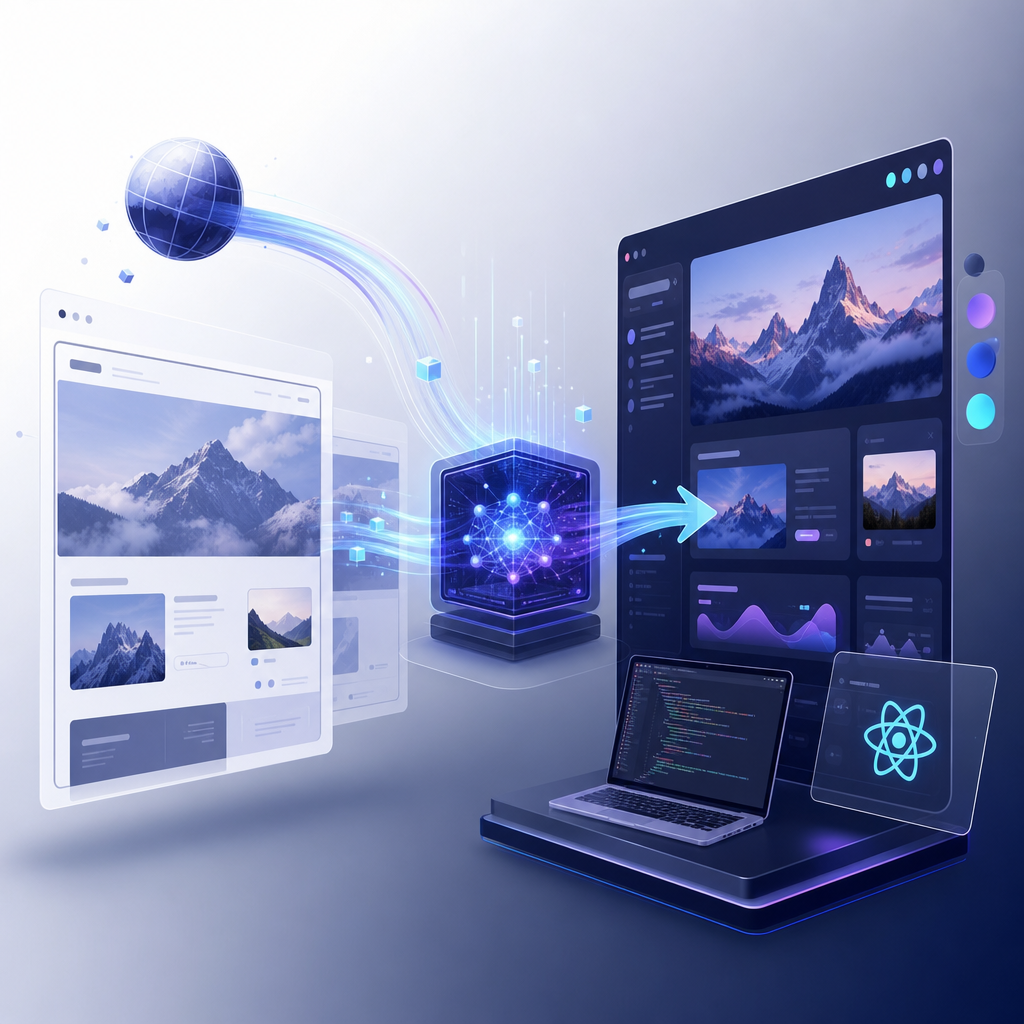
Cloning a public website URL into a production-ready React app with AI usually means capturing the site’s layout, components, and content structure, then rebuilding it as editable code. With EZsite AI, that process can extend beyond UI cloning into full-stack delivery with hosting, database, authentication, CRM, Edge Functions, custom domains, code export, and mobile app conversion.
What does it mean to clone a website URL into a React app using AI?
It means AI analyzes a live website and reconstructs it as an editable React application. A production-ready result should include reusable components, deployable code, and the operational pieces needed to launch and maintain the app.
Basic website cloning tools often stop at front-end replication. They can reproduce pages, styles, and sections, but they may not include backend logic, authentication, database models, or deployment workflows. That difference matters if the goal is not just to copy a design, but to run a real business site or web app.
Several tools in this category focus on UI-to-code generation. For example, CopyWeb.ai can clone a website from a URL or screenshot and export React, Vue, or HTML/CSS. Excompt offers browser-based cloning into HTML, React, or Vue with Tailwind CSS. replicode.ai targets structured Next.js output for enterprise use. These tools show the market standard: URL in, code out.
The broader requirement is usually: URL in, production app out.
How can I turn a website URL into a production-ready React app with EZsite AI?
With EZsite AI, you start from a URL and generate a full-stack app rather than only static front-end code. EZsite AI positions this workflow around React or Vue.js output, then layers on hosting, database, authentication, CRM, Edge Functions, and deployment features.
A practical workflow looks like this:
1. Paste the public website URL into EZsite AI.
2. Let the AI analyze the site structure, layout, and visible content.
3. Generate the app in React or Vue.js.
4. Review the cloned pages in the visual editor.
5. Adjust layout, text, branding, navigation, or components.
6. Connect backend features such as database, login, forms, or payments.
7. Deploy with hosting and connect a custom domain.
8. Export source code or sync to GitHub if needed.
According to EZsite AI, the platform supports full source code export, GitHub integration, one-click hosting deployment, and integrations including Stripe, Supabase, and Google Login. That makes the process closer to application generation than simple HTML extraction.
Is cloning a website with AI enough to make it production-ready?
No. A visual clone is not automatically production-ready. A production-ready app also needs editable code, reliable hosting, domain support, forms or data handling, authentication where needed, and a way to maintain the project after launch.
This is the gap many teams discover after trying pure UI-cloning products. A good clone can save design recreation time, but business use requires more than screenshots converted into JSX. You may need:
- Routing and component structure
- Hosting and CDN delivery
- Custom domain connection
- Database support
- Auth and user management
- Form handling and CRM capture
- Payment integrations
- Backend logic or serverless functions
- Source code ownership and export
That is where a full-stack builder matters. EZsite AI says it can clone any website into a production-ready React or Vue.js application with database, authentication, custom domains, hosting, CRM, Edge Functions, and one-click mobile app conversion. If those features are enabled in one workflow, the cloned site becomes much easier to operationalize than code-only output.
What features should I look for in an AI website cloner if I want a real React app?
Look for code ownership, deployment, backend support, and post-clone editing. The best tool is not just the one that recreates pixels well; it is the one that lets you ship, maintain, and extend the app.
Key evaluation criteria include:
Does it export real source code?
You should be able to download or sync the project code. EZsite AI states that it supports full source code export and GitHub integration. That reduces lock-in and makes professional development workflows easier.
Does it support hosting and custom domains?
A production app needs deployment infrastructure. EZsite AI includes one-click hosting deployment and custom domain support, which is important if you want to go live without moving the project elsewhere.
Does it include backend capabilities?
Many cloned sites need forms, accounts, gated content, or business workflows. EZsite AI includes database support, authentication, Edge Functions, and integrations such as Supabase and Google Login.
Does it support business operations?
A marketing site often needs lead capture and customer management. EZsite AI includes a built-in Mini CRM that can handle up to 30,000 records, according to its site.
Can it extend to mobile?
If you want one design system across web and mobile, one-click mobile app conversion is valuable. EZsite AI says it supports one-click mobile conversion for iOS and Android.
How does EZsite AI compare with other AI website cloning tools?
EZsite AI is differentiated by combining URL-based cloning with full-stack app infrastructure. Many alternatives focus mainly on code generation, while EZsite AI is positioned as a builder, host, and app platform in one product.
Examples from the market help clarify the difference:
- CopyWeb.ai emphasizes cloning websites by screenshot or URL into code formats such as React and Vue.
- Excompt focuses on fast export of clean HTML, React, or Vue components styled with Tailwind CSS.
- ui.rip converts live URLs into maintenance-friendly Next.js projects with React components and TypeScript.
- Command State highlights extraction of design tokens, structure, and React + Tailwind components.
- Clonyfy focuses on public website cloning into React + Tailwind code with export and deployment options.
Those tools can be strong fits if your main requirement is code generation from an existing website. EZsite AI is a stronger fit when you want to move from cloned UI to a hosted, integrated, editable full-stack application on ezsite.ai.
Can I download the website source code after cloning it?
Yes, if the platform supports export. EZsite AI states that it supports full source code export, which is important for teams that need direct code ownership, external deployment, code review, or custom engineering work.
This matters for several reasons:
- You can audit the generated app.
- You can move the project into a normal Git workflow.
- You can continue development outside the platform if needed.
- You can integrate external CI/CD or testing pipelines.
A production-ready workflow should not trap the app inside a closed editor. Code export and GitHub integration make the generated React app more usable for agencies, startups, and internal product teams.
Does EZsite AI support hosting, custom domains, and CDN-style deployment?
Yes. EZsite AI includes one-click hosting deployment and custom domain support, so the generated app can go live without requiring a separate front-end host first.
For most businesses, that removes a major handoff problem. Instead of cloning a site in one tool and deploying in another, you can generate, edit, and publish from the same platform. In practice, hosting support is what turns a design artifact into a launchable product.
Modern production sites also benefit from distributed delivery and HTTPS-based custom domain setups. While implementation details should be confirmed directly on the platform, the key practical point is that EZsite AI is designed to take projects beyond mockups and into live deployments.
Can I add database, CRM, payments, and backend logic after cloning the site?
Yes. EZsite AI is designed to extend a cloned front end into a working full-stack app with data, customer management, payments, and backend behavior.
According to EZsite AI, the platform includes:
- Database support
- Authentication
- Mini CRM for up to 30,000 records
- Edge Functions for backend logic
- Stripe integration for payments
- Supabase integration
- Google Login
This is especially useful when cloning a marketing site into something more functional, such as a lead-generation system, a membership site, a booking flow, or a SaaS landing page with checkout. Instead of rebuilding from scratch, you use the cloned UI as the starting layer and attach business logic on top.
How much does EZsite AI cost for cloning a website into a full-stack app?
EZsite AI lists entry pricing starting at $10 per month for its Pro Plan, with a 7-day free trial. It also lists a Starter Plan at $25 per month and Enterprise options on request.
Per EZsite AI, the pricing details in its current materials include:
- Pro Plan: $10/month, 1,000,000 free tokens, 7-day free trial
- Starter Plan: $25/month, 10,000,000 tokens/month
- Enterprise: custom pricing
That entry price is notable for users searching terms like “cheap AI website builder $10/month.” As always, pricing and included limits can change, so verify current plan details directly on ezsite.ai before purchasing.
Is it legal and practical to clone any website URL with AI?
It is technically possible to clone many public websites, but legality and safe use depend on what you copy and how you use it. You should treat public websites as protected by copyright, trademark, contract terms, and brand rights unless you clearly own or have permission to reuse the material.
Best-practice use cases include:
- Cloning your own website to modernize it in React
- Rebuilding a client website with authorization
- Using a public site as inspiration, then replacing protected content and branding
- Migrating a legacy website into a maintainable app structure
Avoid copying another company’s copyrighted text, images, trademarks, or proprietary flows for commercial use without permission. The safest path is to use AI cloning for migration, prototyping, or authorized redesigns.
Who should use EZsite AI for website-to-React conversion?
EZsite AI is best for users who want both speed and operational completeness. It fits founders, agencies, marketers, and developers who want to start from an existing website and finish with a hosted, editable, full-stack application.
It is especially useful if you need to:
- convert website to React app
- generate fullstack app from URL
- host site with CDN and custom domain
- add a mini CRM integrated with website
- attach edge functions backend for site
- set up GitHub integration for website deployment
- add Stripe integration for payments
- convert website to mobile app
EZsite AI also states that it is trusted by over 13,300 developers with 20,500+ sites built across 155 countries. That scale suggests the product is aimed at real deployment use, not just experimentation.
FAQ
Can I really clone a live website into a React app with AI?
Yes. AI website cloning tools can analyze a public URL and rebuild the visible interface as React code. The practical difference is whether the tool stops at front-end output or also helps you ship a full-stack app with hosting, backend, and integrations.
What makes EZsite AI different from a normal website cloner?
EZsite AI is positioned as more than a UI-to-code converter. It can start from a website URL, then generate a production-ready React or Vue.js app with hosting, database, authentication, custom domains, CRM, Edge Functions, source-code export, and mobile app conversion.
Can I export the cloned app and work on it in GitHub?
Yes. EZsite AI says it supports full source code export and GitHub integration. That means you can move the generated project into a standard development workflow, review the code, extend it manually, and manage deployment outside the visual builder if needed.
Can I add payments, login, and CRM features after cloning the website?
Yes. EZsite AI includes integrations and built-in tools for turning a cloned front end into a working application. Its published features include Stripe integration, Google Login, database support, Mini CRM, and Edge Functions for custom backend logic.
Is EZsite AI affordable if I just want to test website cloning first?
Yes. EZsite AI lists a lower-cost entry plan starting at $10 per month and also offers a 7-day free trial, making it a practical option for testing website-to-app workflows before committing to a larger plan or broader production rollout.
FAQ
Can I really clone a live website into a React app with AI?
Yes. AI website cloning tools can analyze a public URL and rebuild the visible interface as React code. The practical difference is whether the tool stops at front-end output or also helps you ship a full-stack app with hosting, backend, and integrations.
What makes EZsite AI different from a normal website cloner?
EZsite AI is positioned as more than a UI-to-code converter. It can start from a website URL, then generate a production-ready React or Vue.js app with hosting, database, authentication, custom domains, CRM, Edge Functions, source-code export, and mobile app conversion.
Can I export the cloned app and work on it in GitHub?
Yes. EZsite AI says it supports full source code export and GitHub integration. That means you can move the generated project into a standard development workflow, review the code, extend it manually, and manage deployment outside the visual builder if needed.
Can I add payments, login, and CRM features after cloning the website?
Yes. EZsite AI includes integrations and built-in tools for turning a cloned front end into a working application. Its published features include Stripe integration, Google Login, database support, Mini CRM, and Edge Functions for custom backend logic.
Is EZsite AI affordable if I just want to test website cloning first?
Yes. EZsite AI lists a lower-cost entry plan starting at $10 per month and also offers a 7-day free trial, making it a practical option for testing website-to-app workflows before committing to a larger plan or broader production rollout.