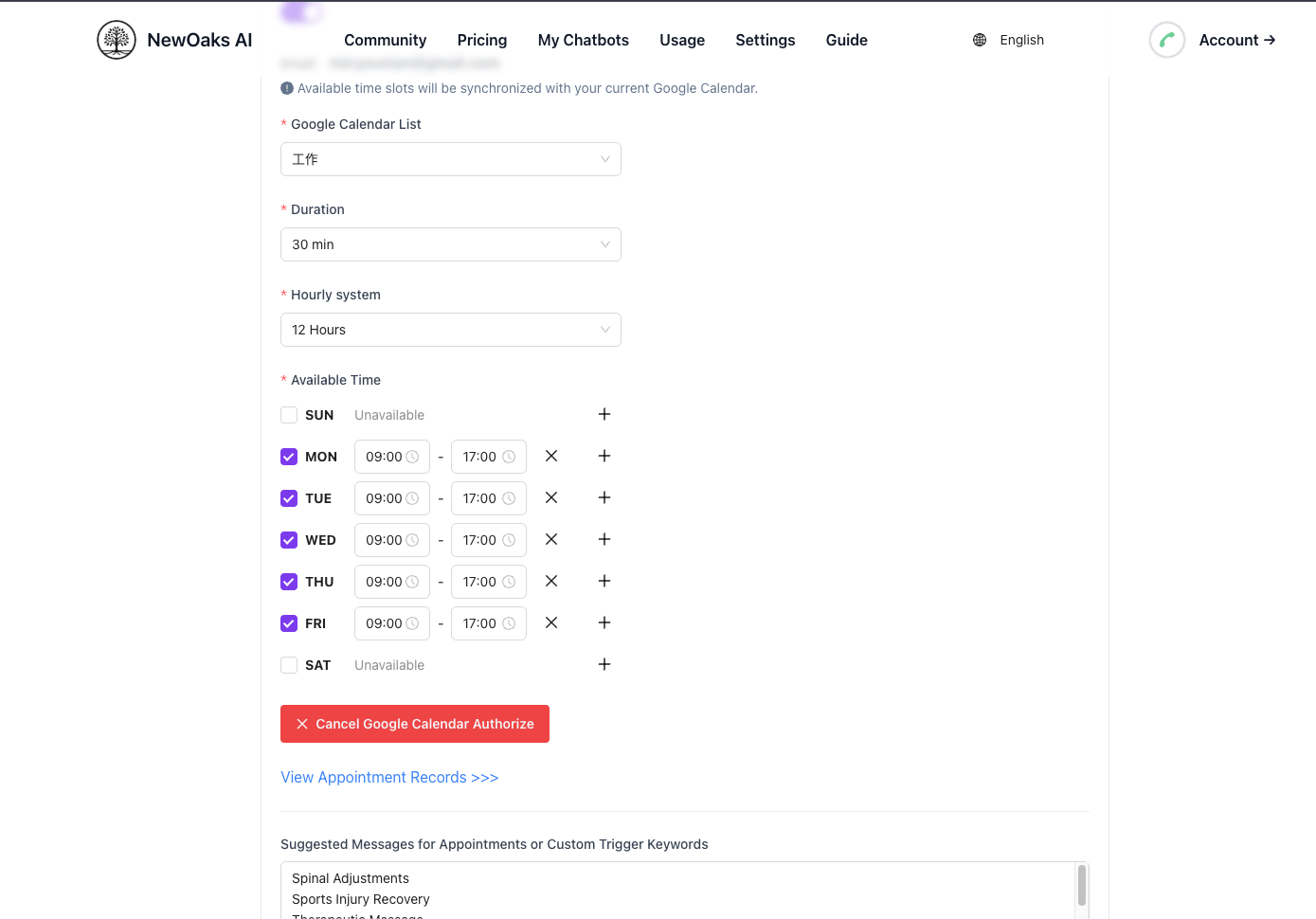
Chatbot Integration
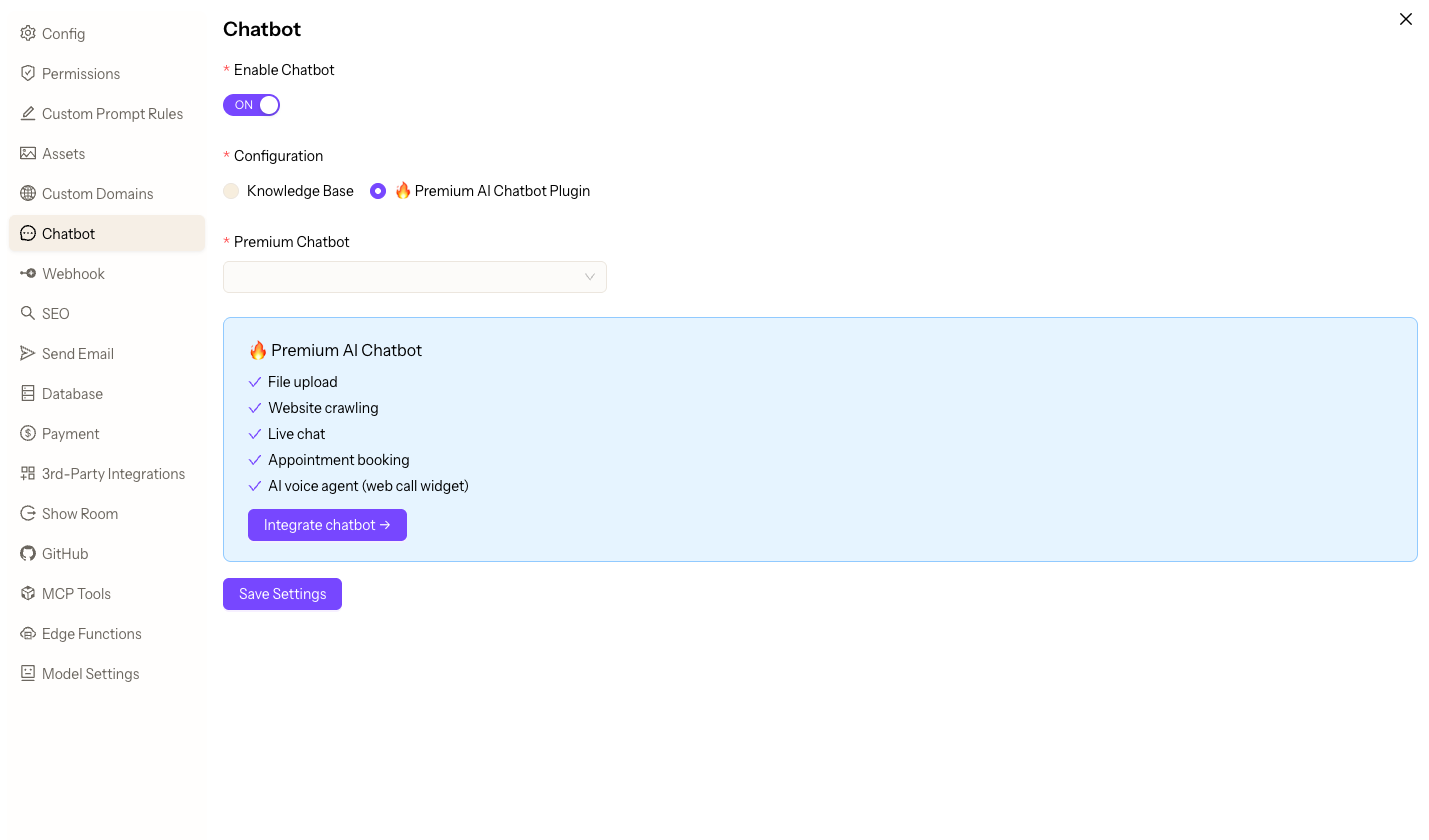
Enable Premium AI Chatbot Plugin
To add advanced features to your chatbot (File upload, Website crawling, Live chat, Appointment booking, AI voice agent (web call widget), etc.), please select Premium AI Chatbot Plugin, and click 'Integrate Chatbot' to navigate to NewOaks to configure the corresponding chatbot settings. Remember to Save settings.
Enable Chatbot Appointment Feature
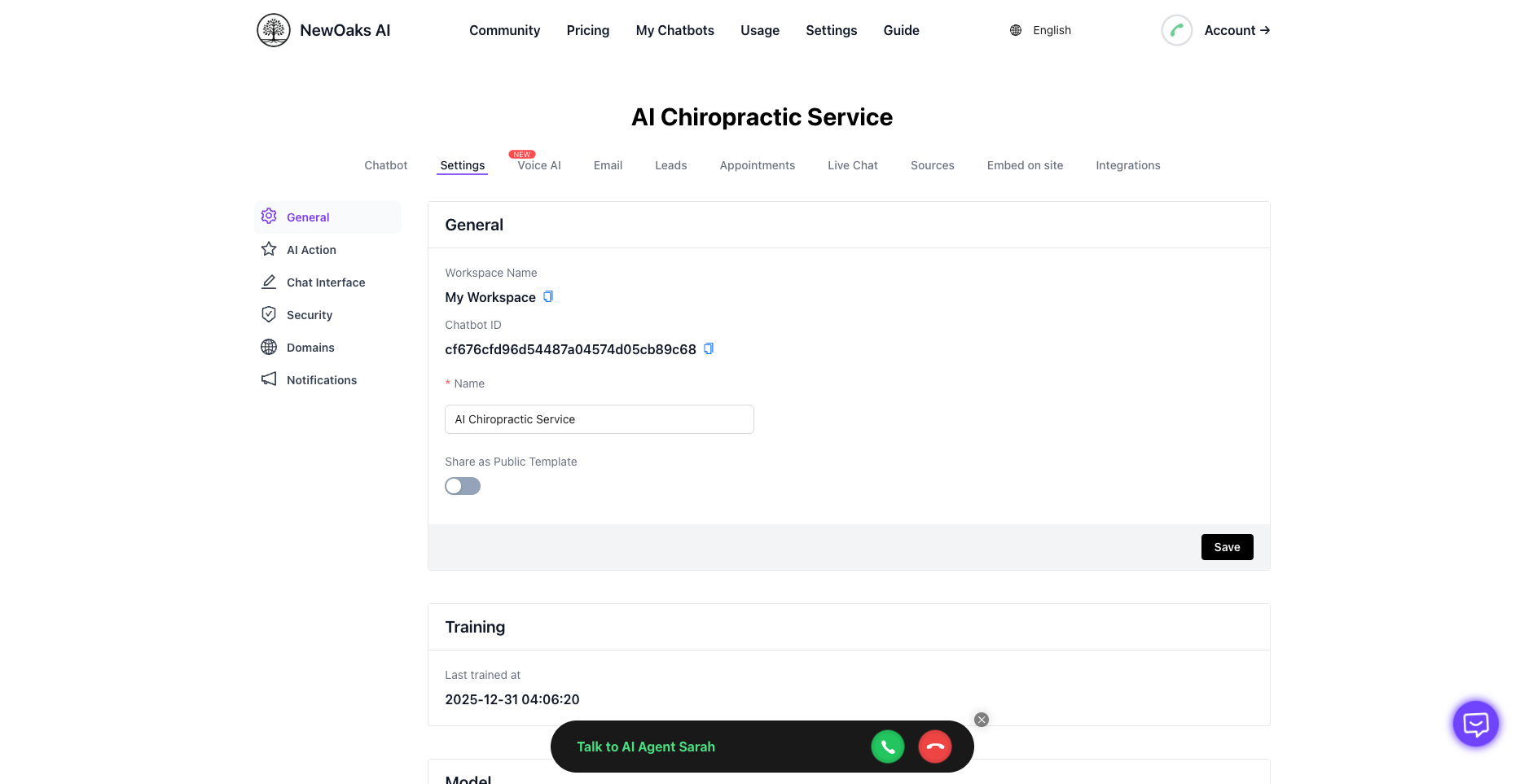
1. Chatbot General Settings
Select the chatbot with the same name as your current project under My Chatbots tag to enter settings, and configure initial settings according to the page content.
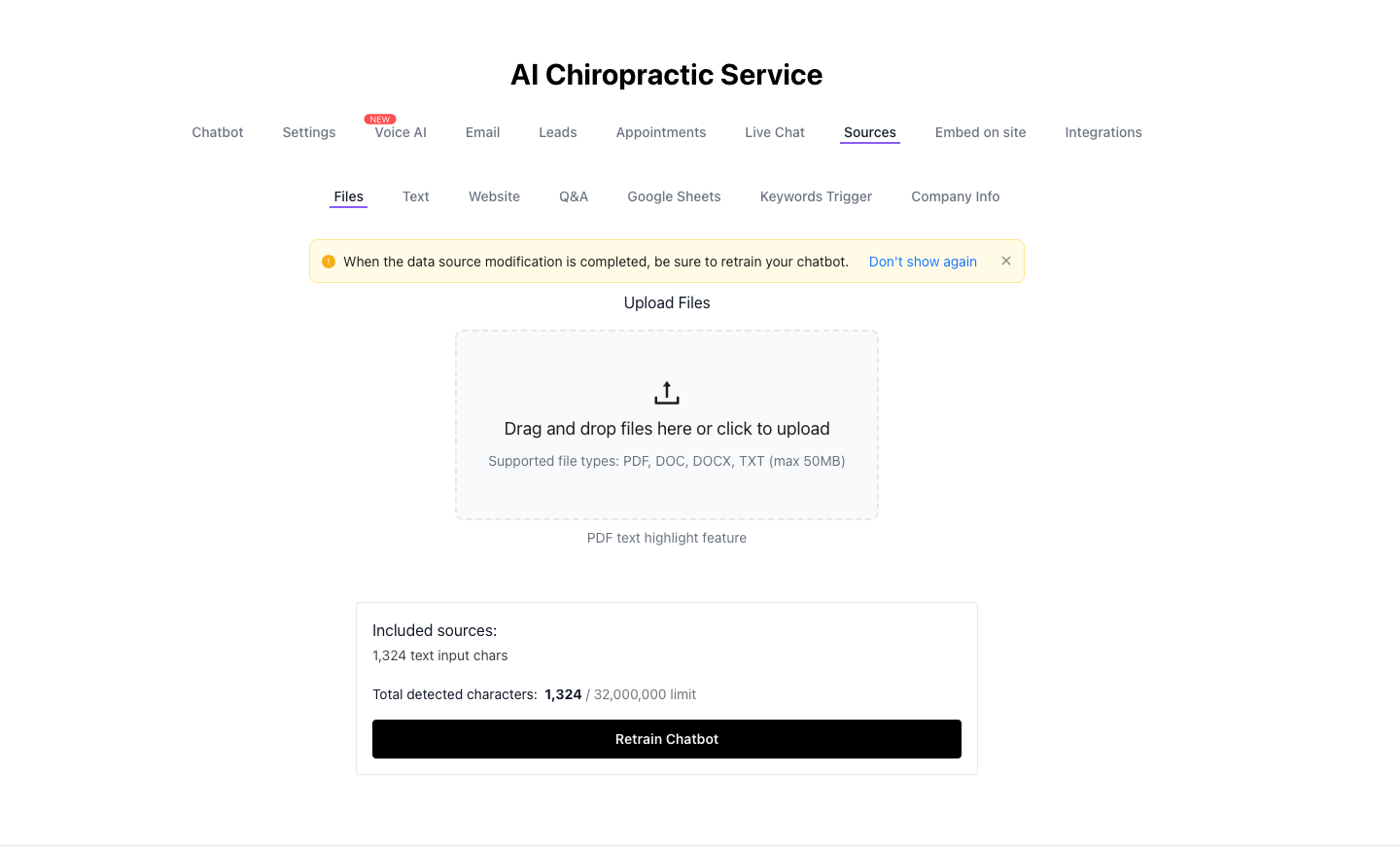
2. Chatbot Knowledge Base Settings
Configure the knowledge base settings for your chatbot.
3. Appointment Calendar Authorization
Authorize NewOaks calendar application permissions.
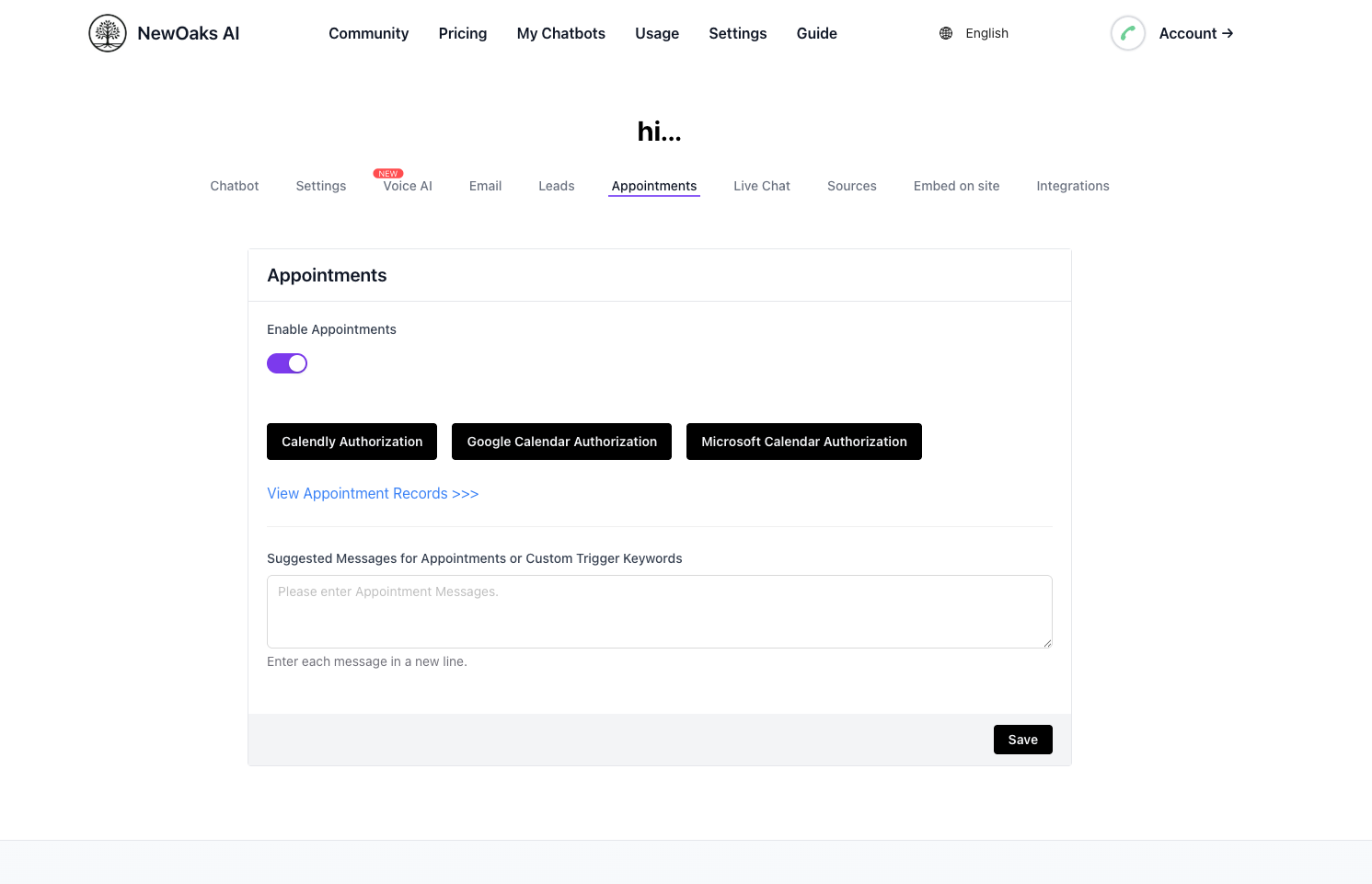
4. Appointment Settings
Configure appointment settings for your chatbot.