Deploy & Publish Your Site
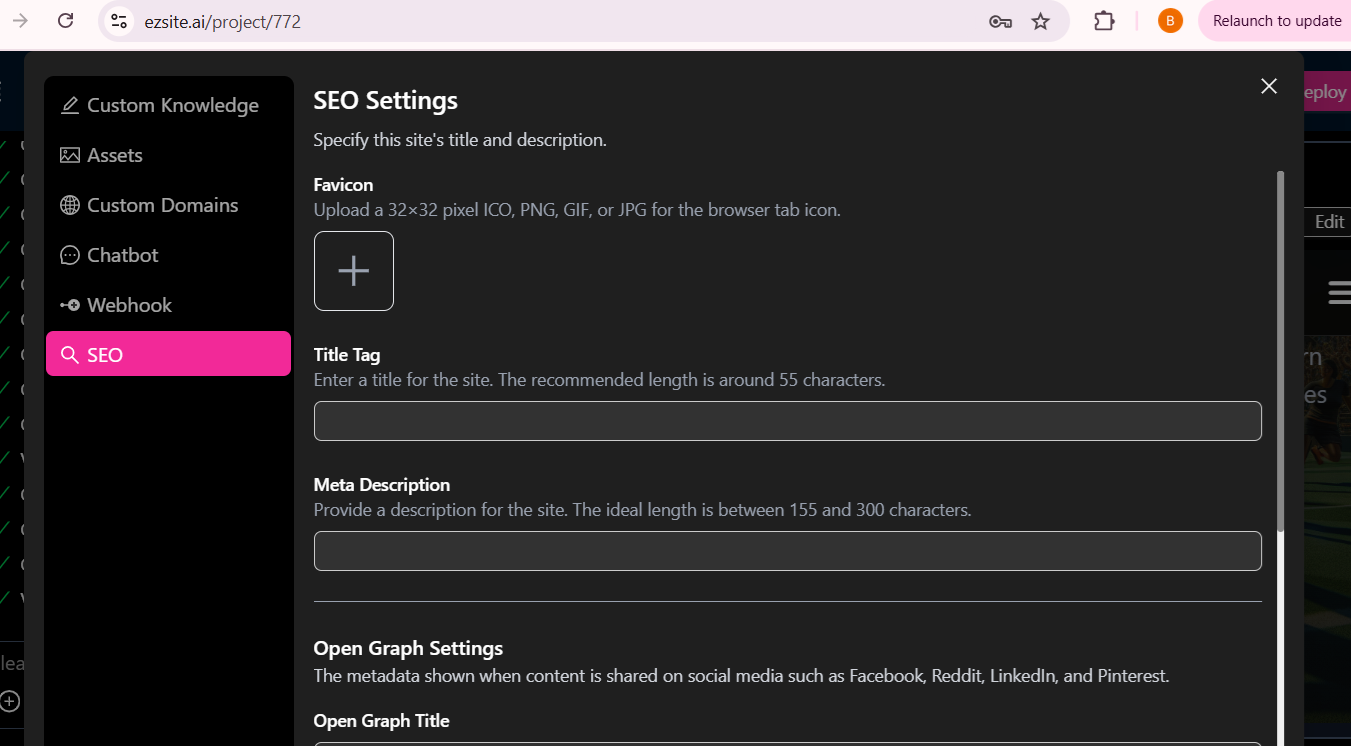
SEO Setting
To configure SEO settings for your project, follow these steps:
-
Navigate to the "Settings" section on your project dashboard.
-
Click the "SEO" button located on the left side.
-
Fill in the necessary fields in the right panel.
-
Click the "Save" button to apply your changes.
Custom Domain
With EZsite Pro and Premium plans, you can connect your own domains or set up custom .easysite.host domains for your projects.For additional details, please visit our guide on setting up a Custom Domain
Deploy your project
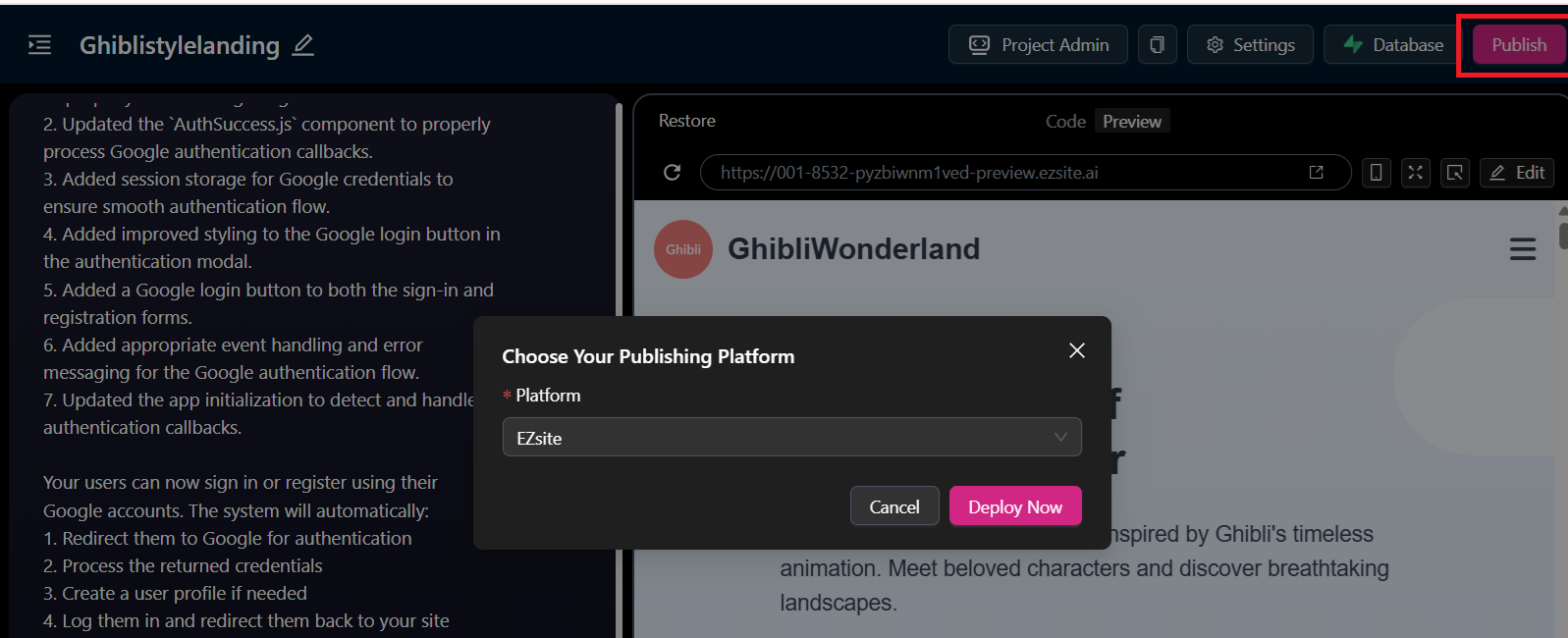
Once your project is complete, click "Publish" button to publish it, from platform dropdown, choose "EZsite" to generate a shareable URL.
 This allows you to easily showcase your application or share it with collaborators and stakeholders.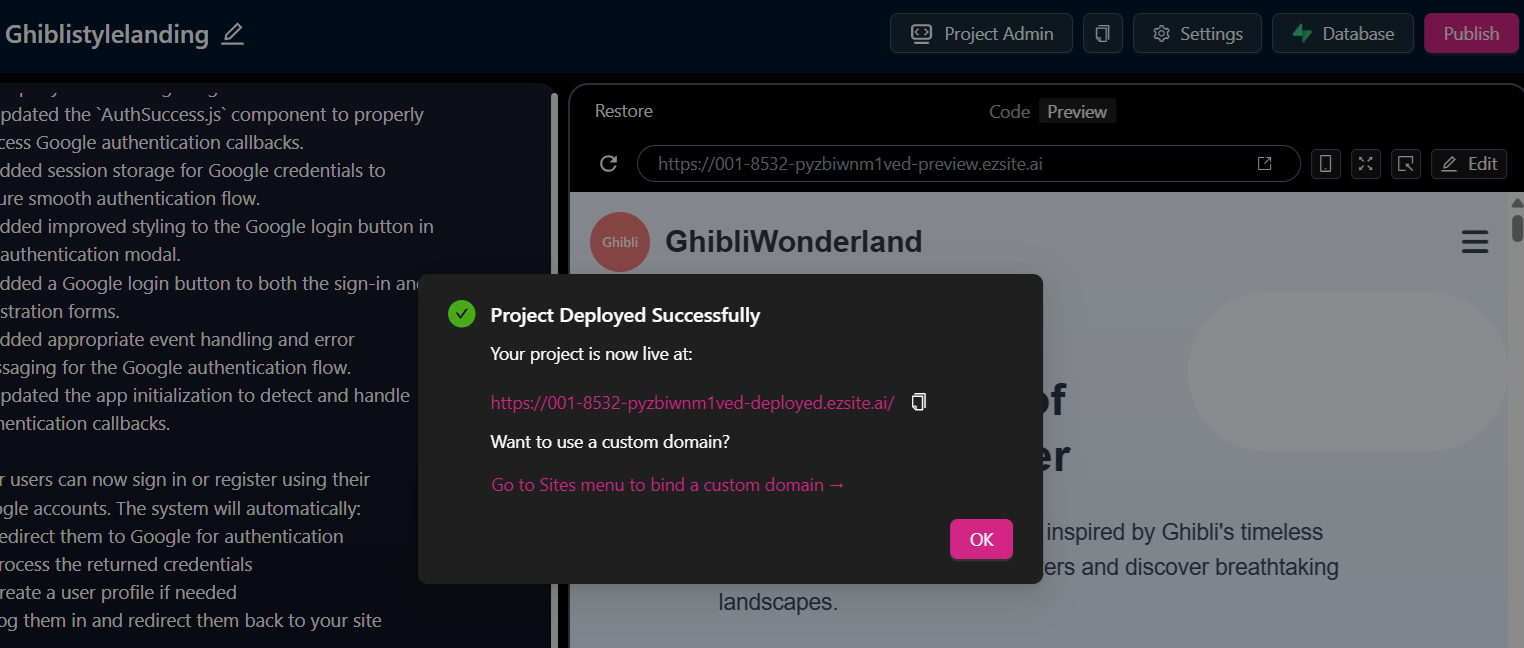
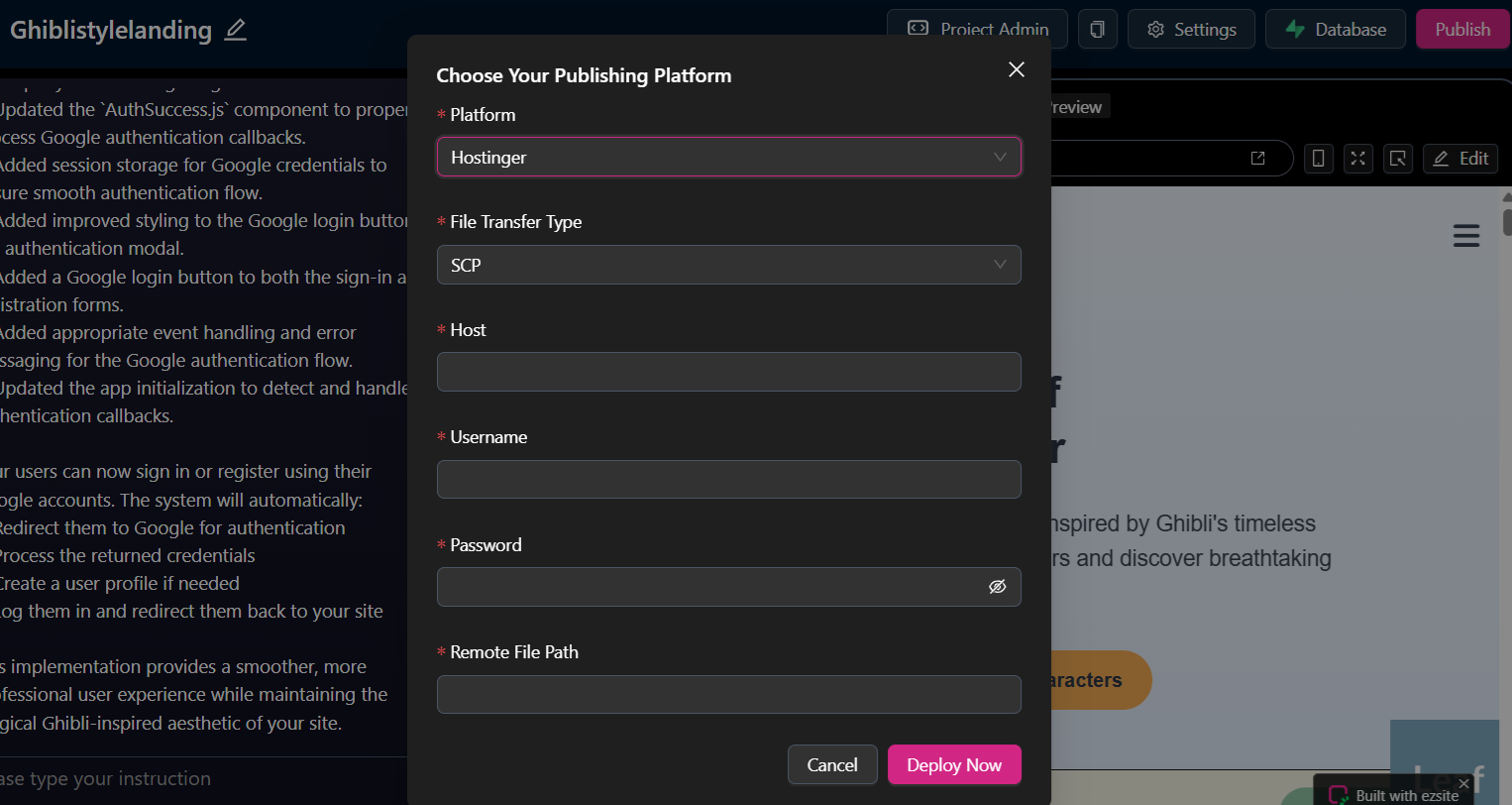
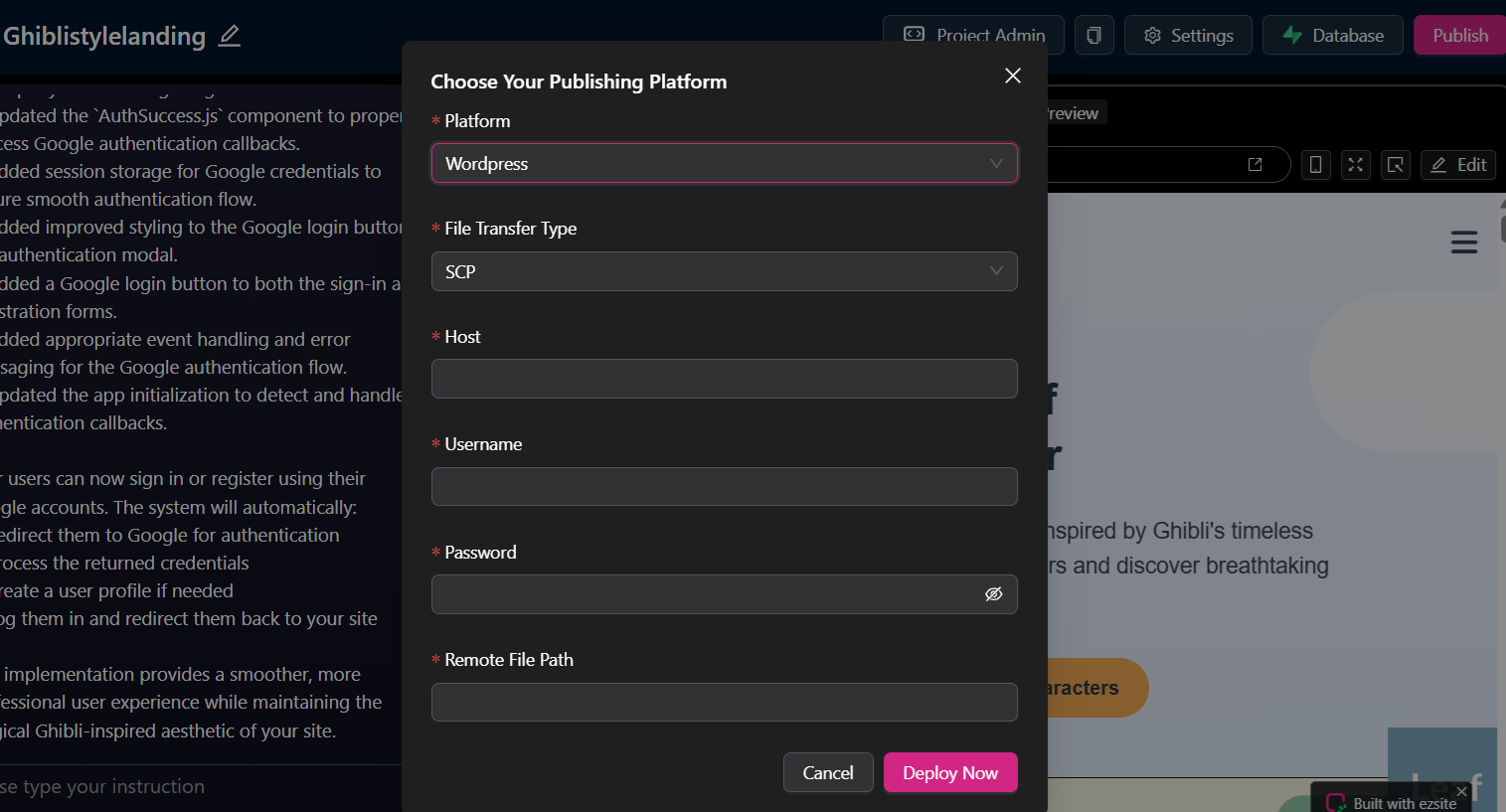
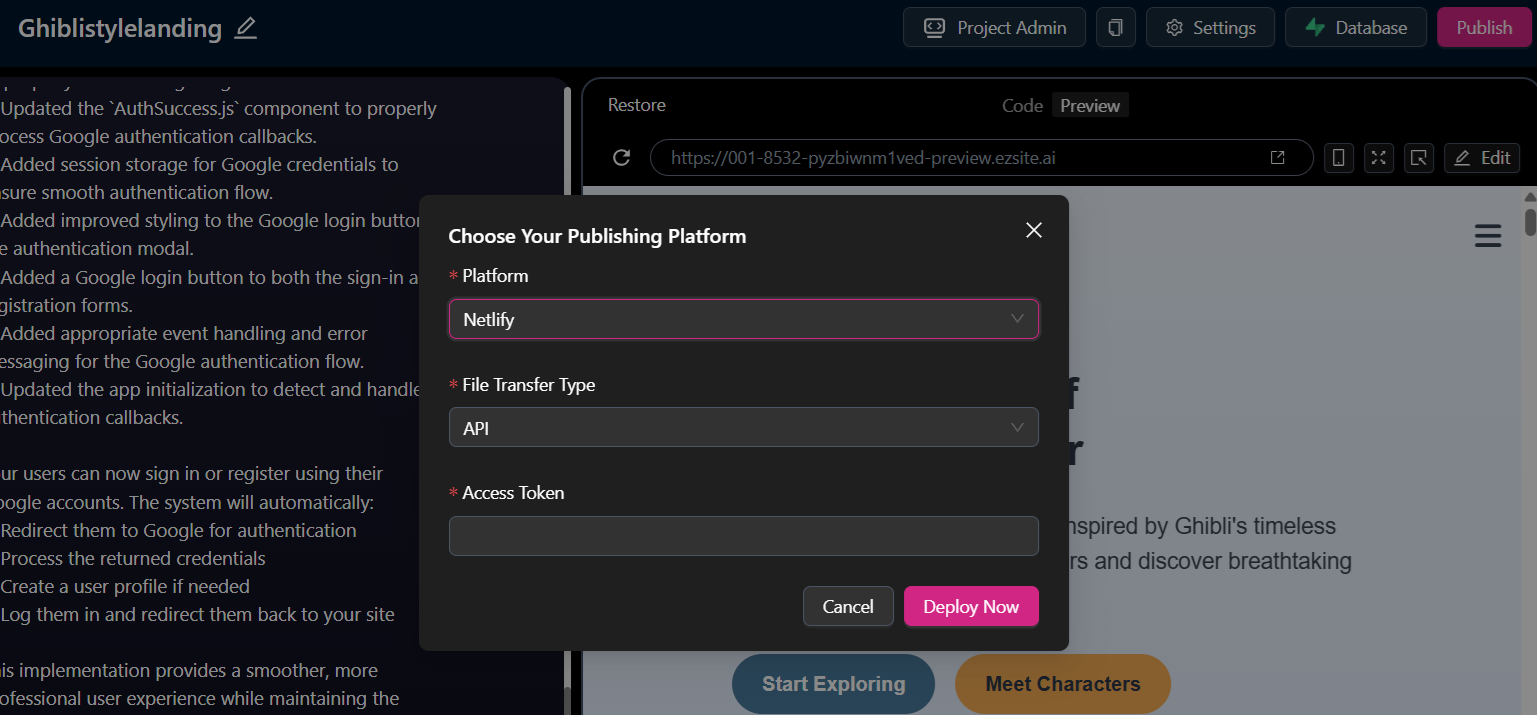
You can publish to various platforms, such as Hostinger, Wordpress and Netlify