How to Create Google Login
Google Login Setup
Please following the guide at Google Login Integration to setup Google Login in your project
Add Google Login Button in Your Project
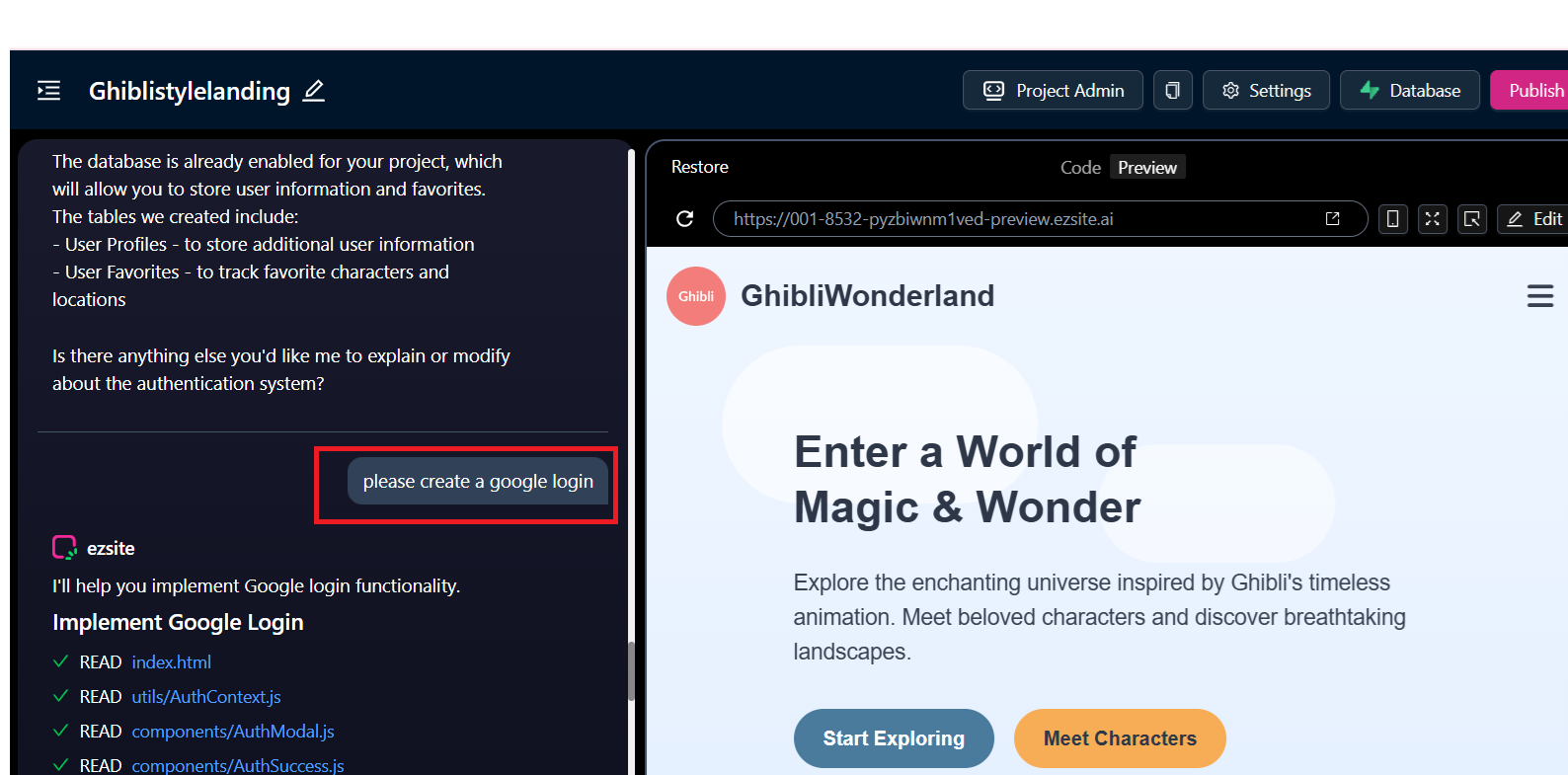
Step 1: Use the following prompt to add a Google Login in your existing project
please create a google login
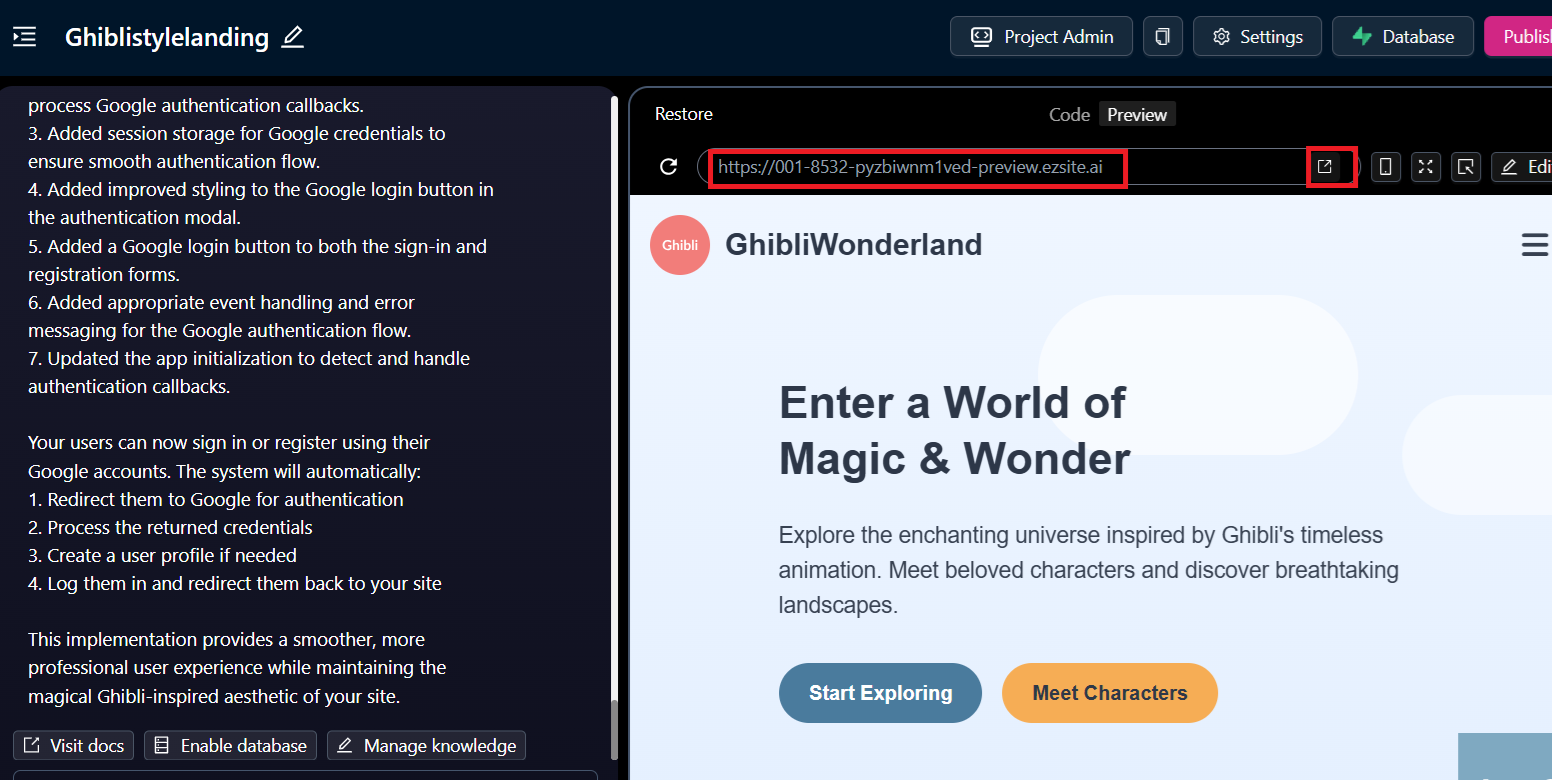
Step 2: To verify the Google login, click the New Window button or copy the preview URL and open it in a separate browser window.
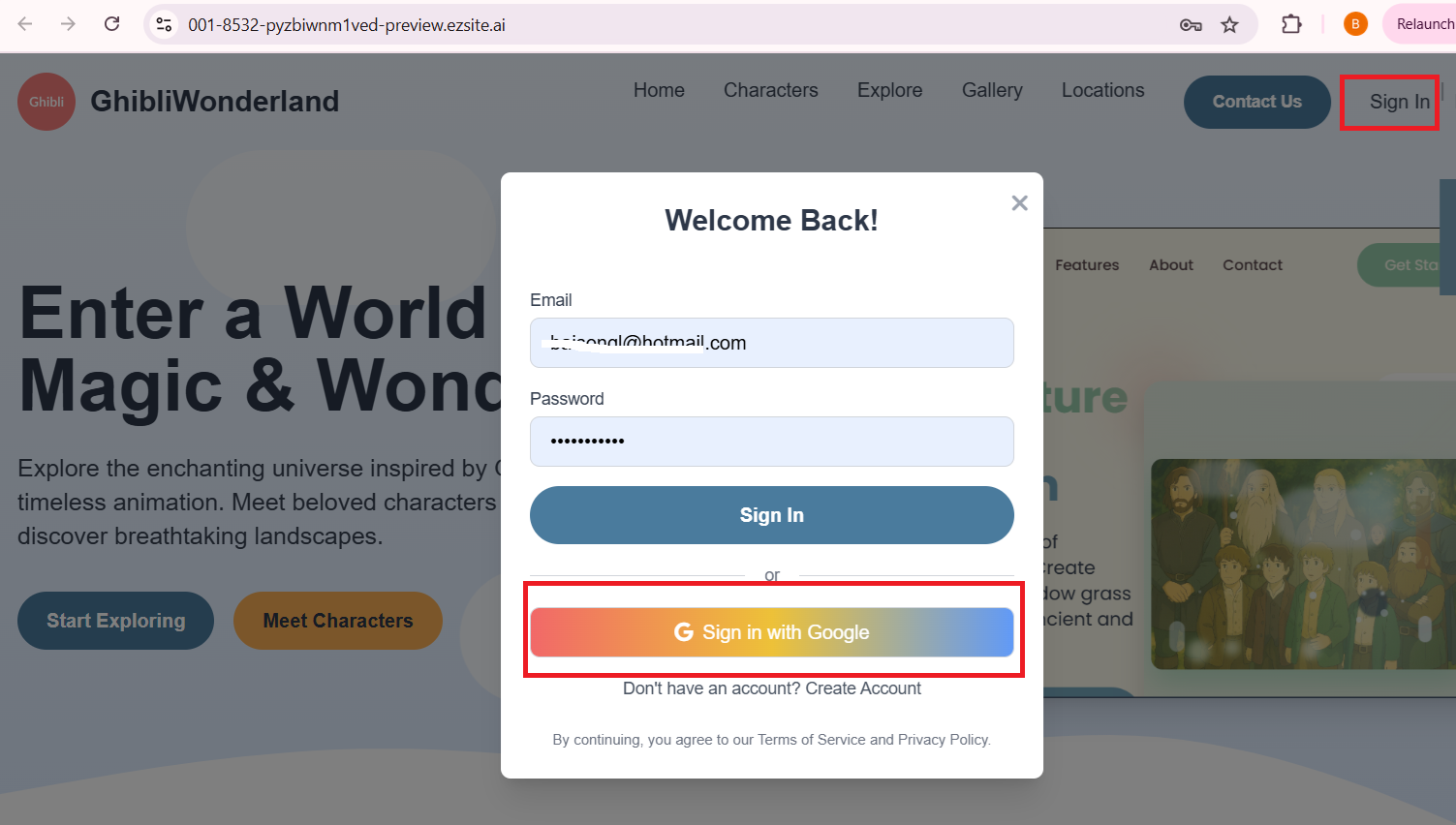
Click the Sign In button, then in the popup window that appears, select Sign In With Google.
Step 3: It will open the Google login page where you can select your Google account.
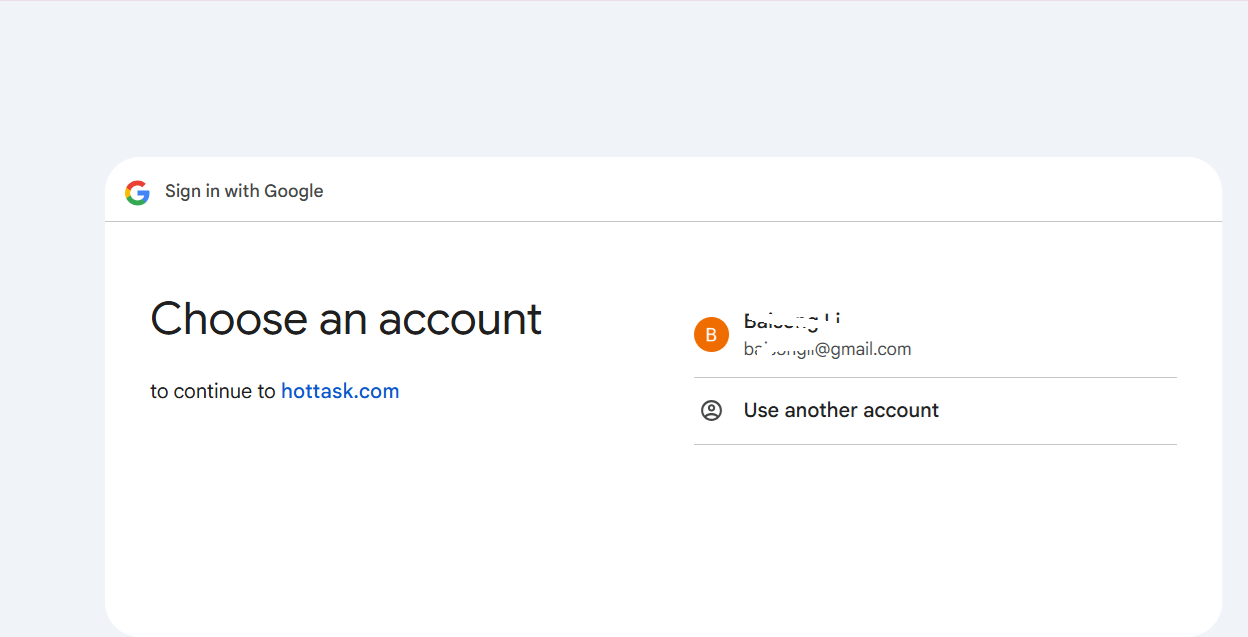
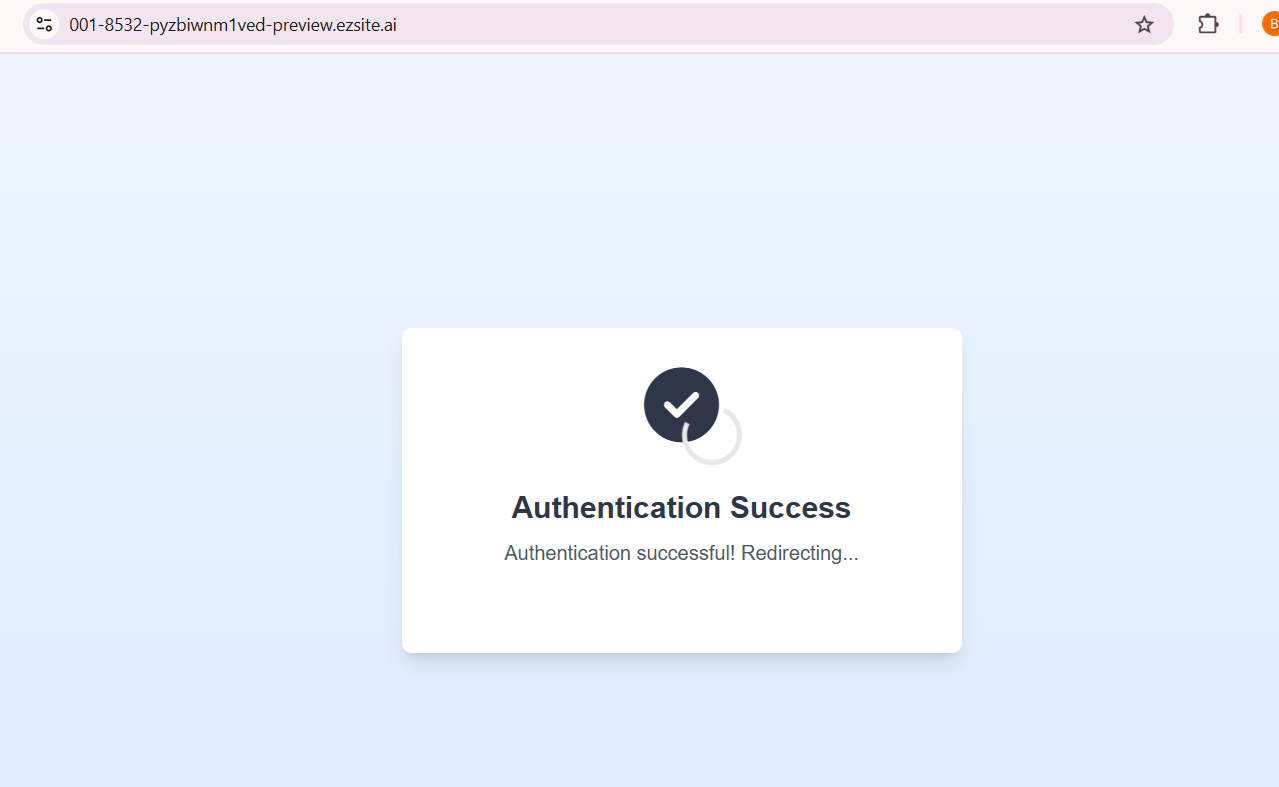
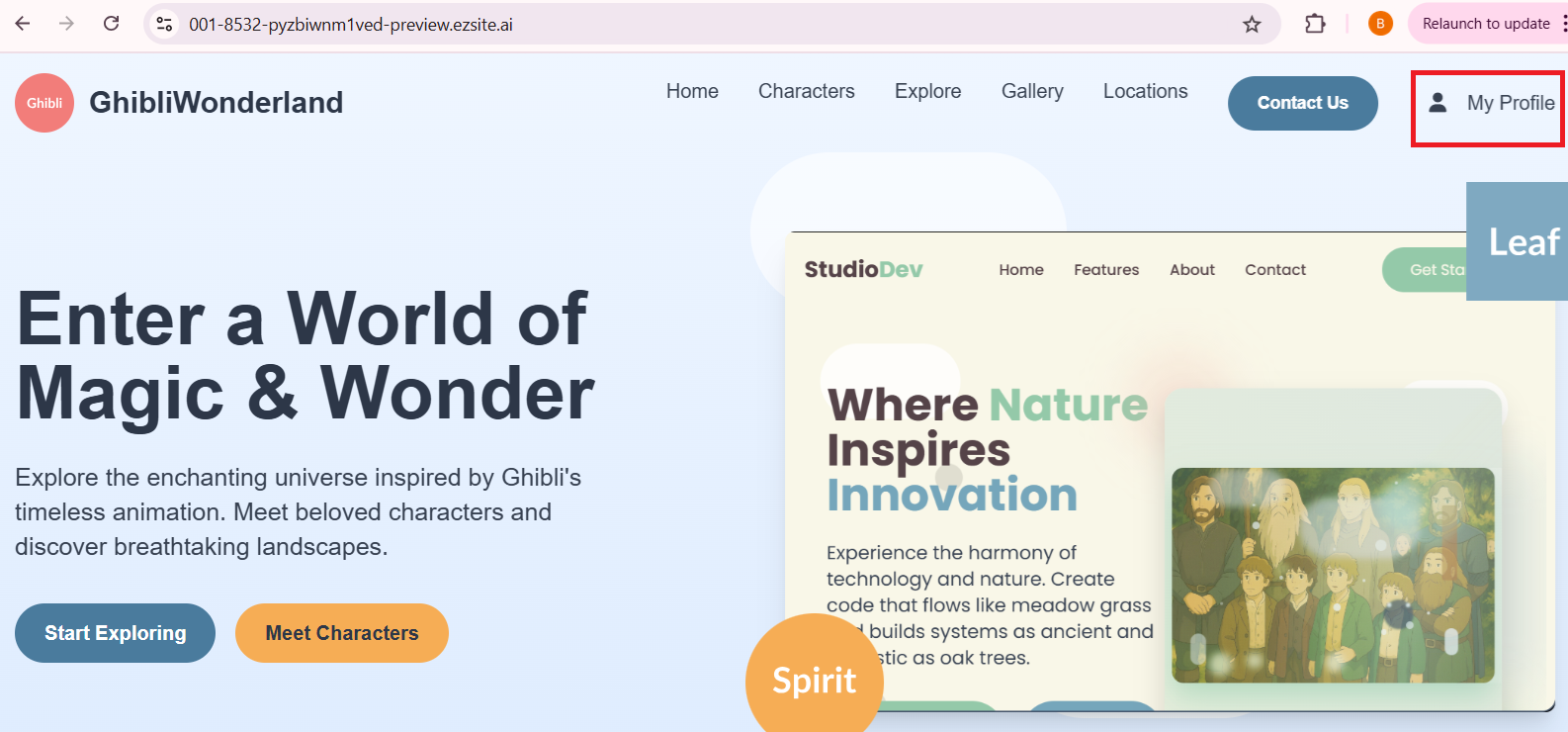
Step 4: EZsite will link your Google account as your login credential and then redirect you to your project page.