Testing the Signup/Signin System
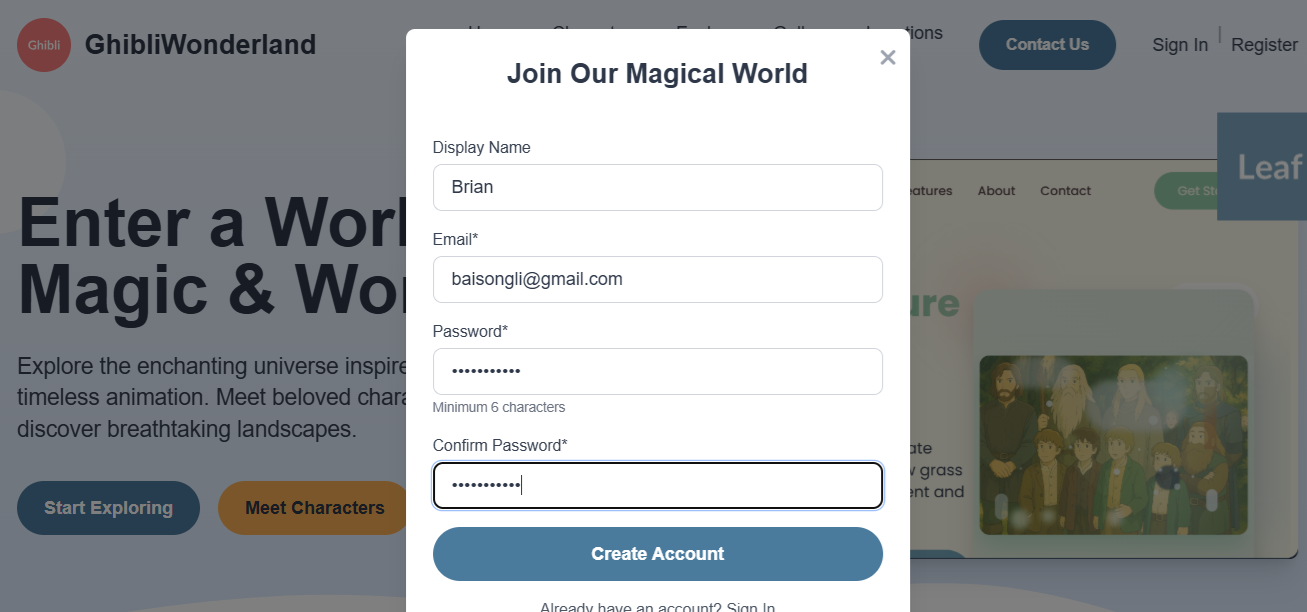
Step 1: Create a new user using the Sign Up form.
Step 2: Verify your signup account by checking your email for the confirmation link.

Step 3: Click the "verify your account" link, which will redirect you to the signin page.
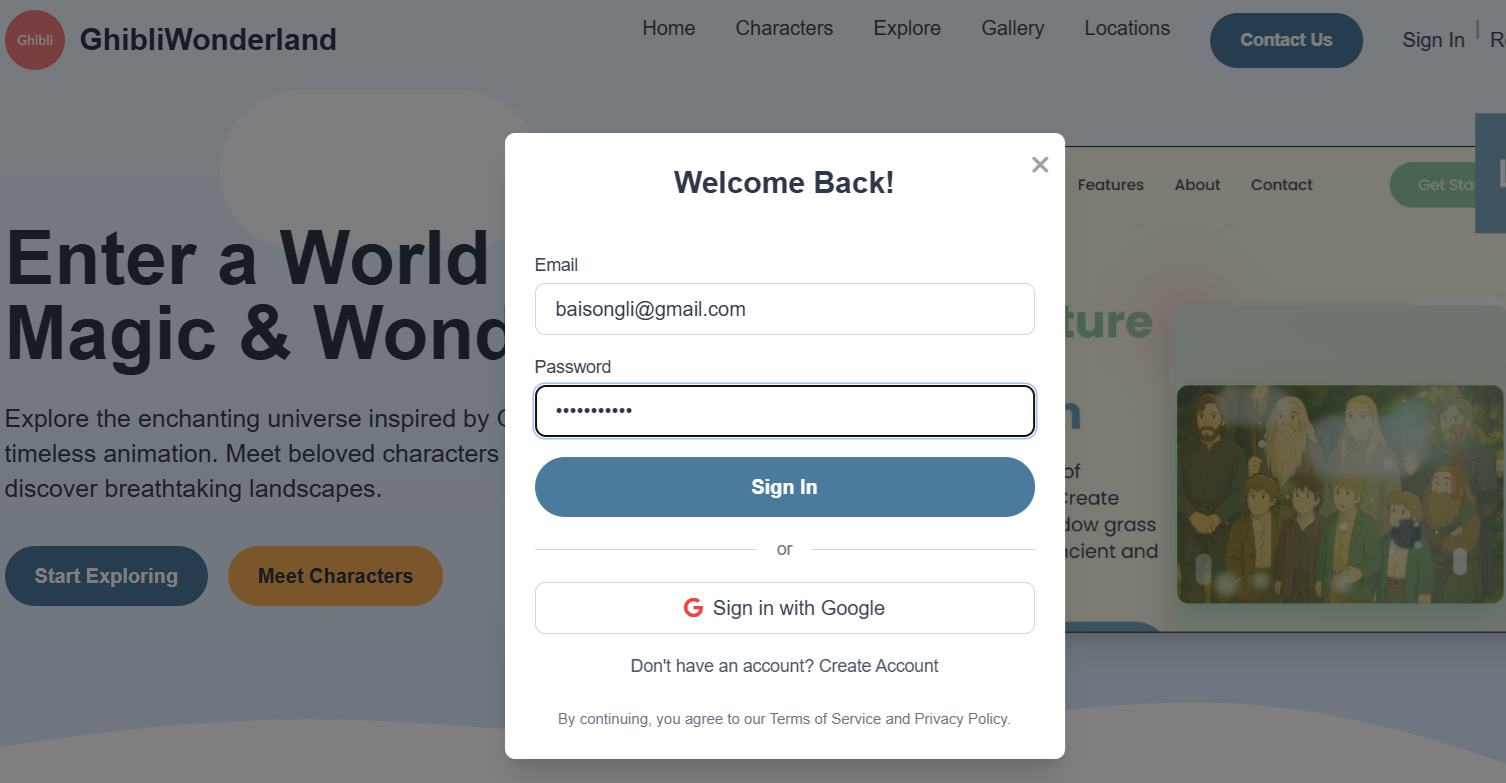
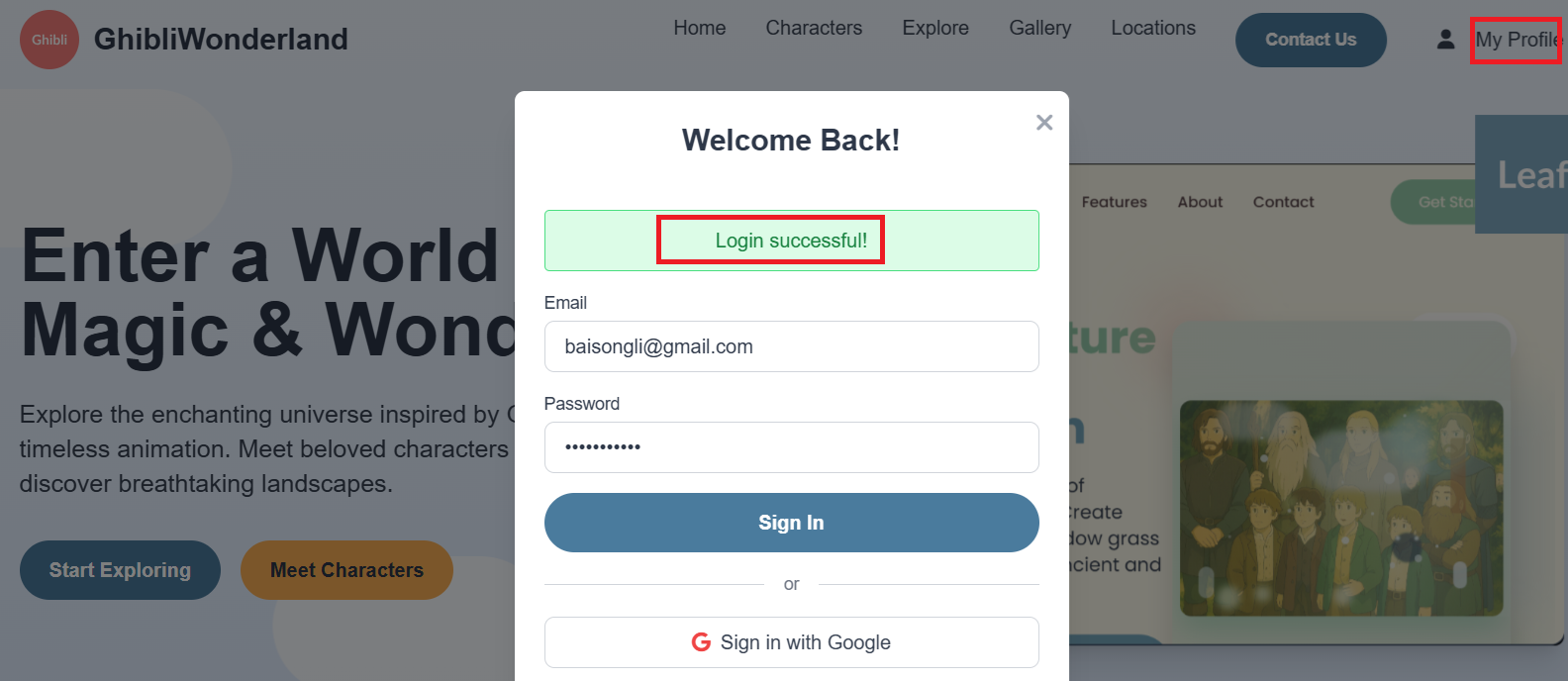
Step 4: Enter your username and password. If the credentials are correct, you should see a successful login message.
Step 5: Access User Details via Dashboard Table
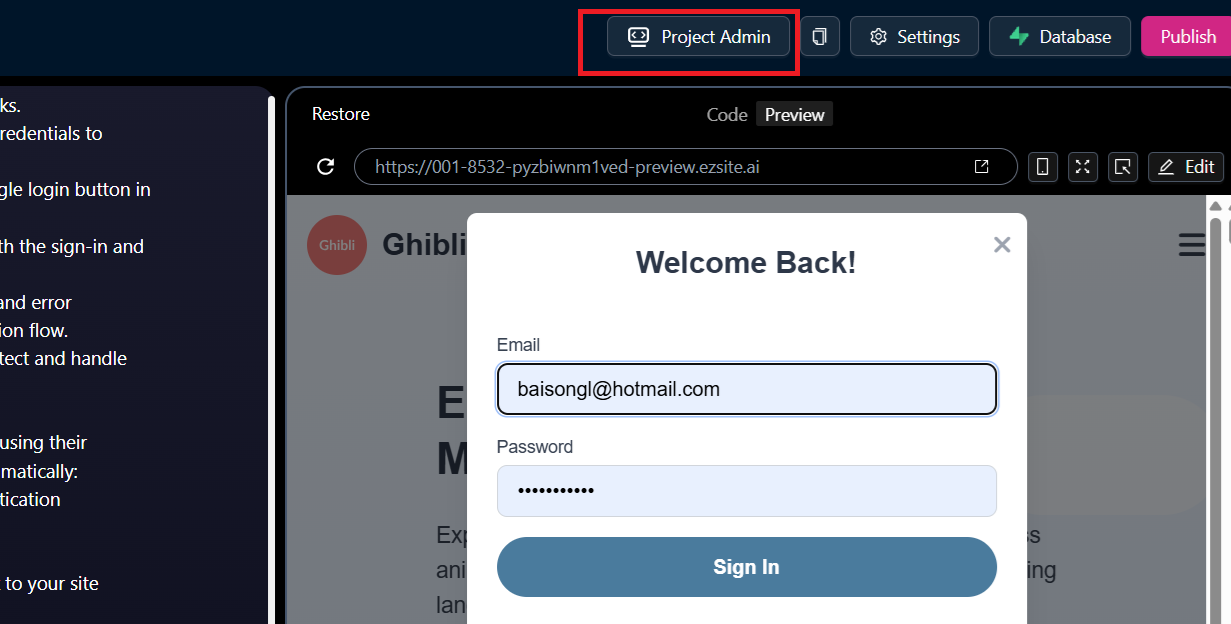
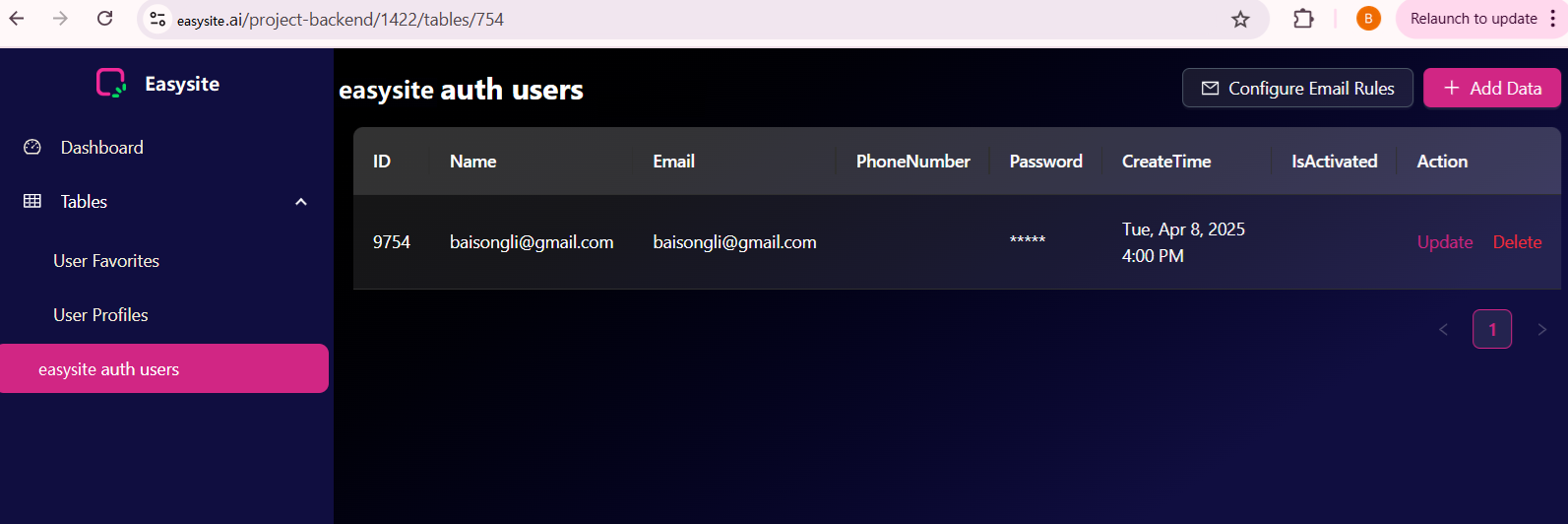
Click the "Project Admin" button at the top to open the Dashboard page. From the left menu, select the Table "ezsite auth users" to view the list of signed users.